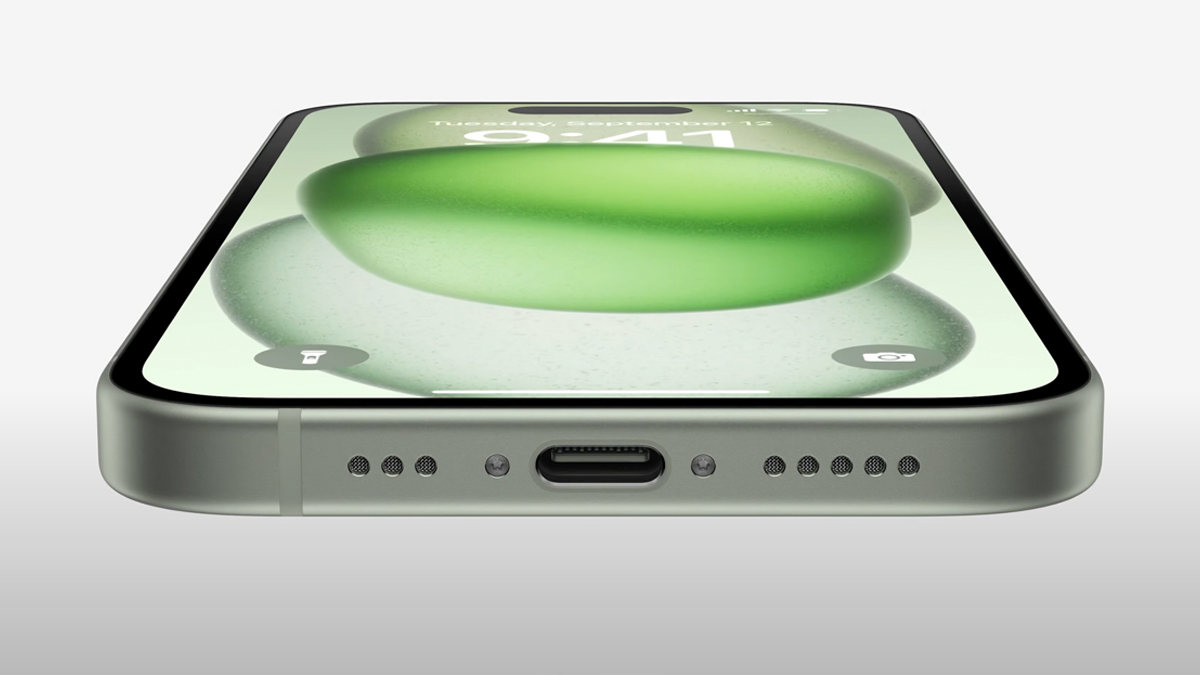
As the dust settles on the Apple Wanderlust event, many of us are probably still feeling a little odd seeing a new iPhone without the iconic Lightning port on the bottom. Together with all the new features like improved cameras and even a titanium chassis on the iPhone 15 Pro, arguably the biggest change is the new USB-C port on the bottom of the iPhone 15 and iPhone 15 Pro lineup.
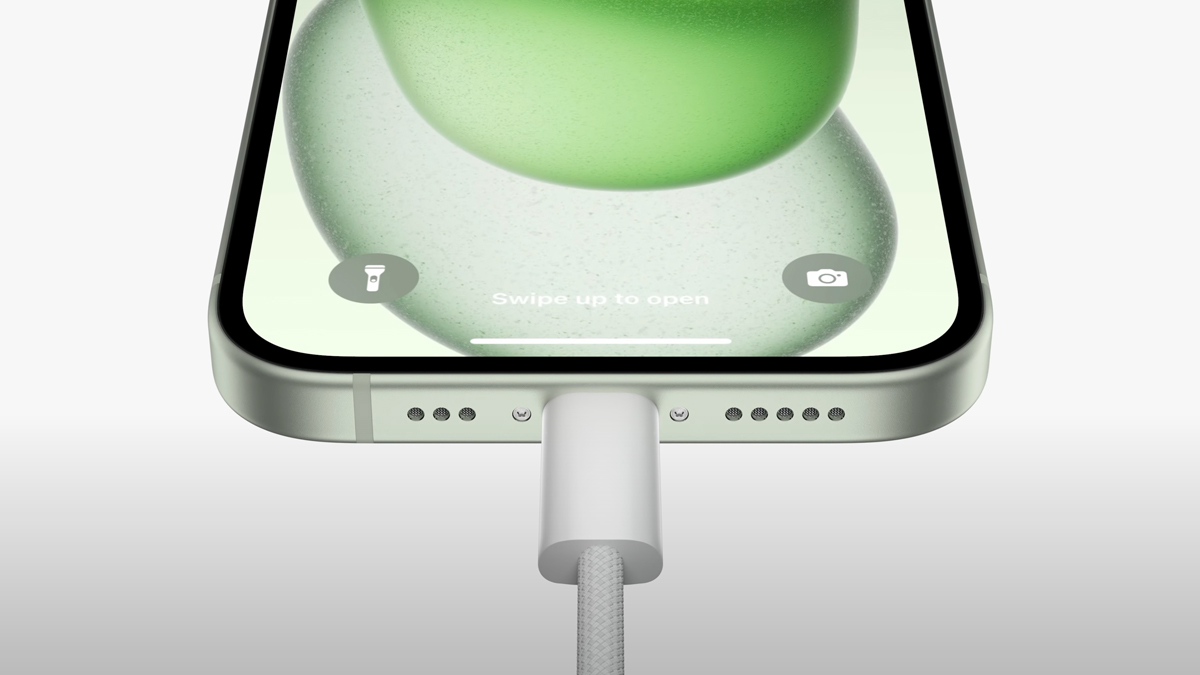
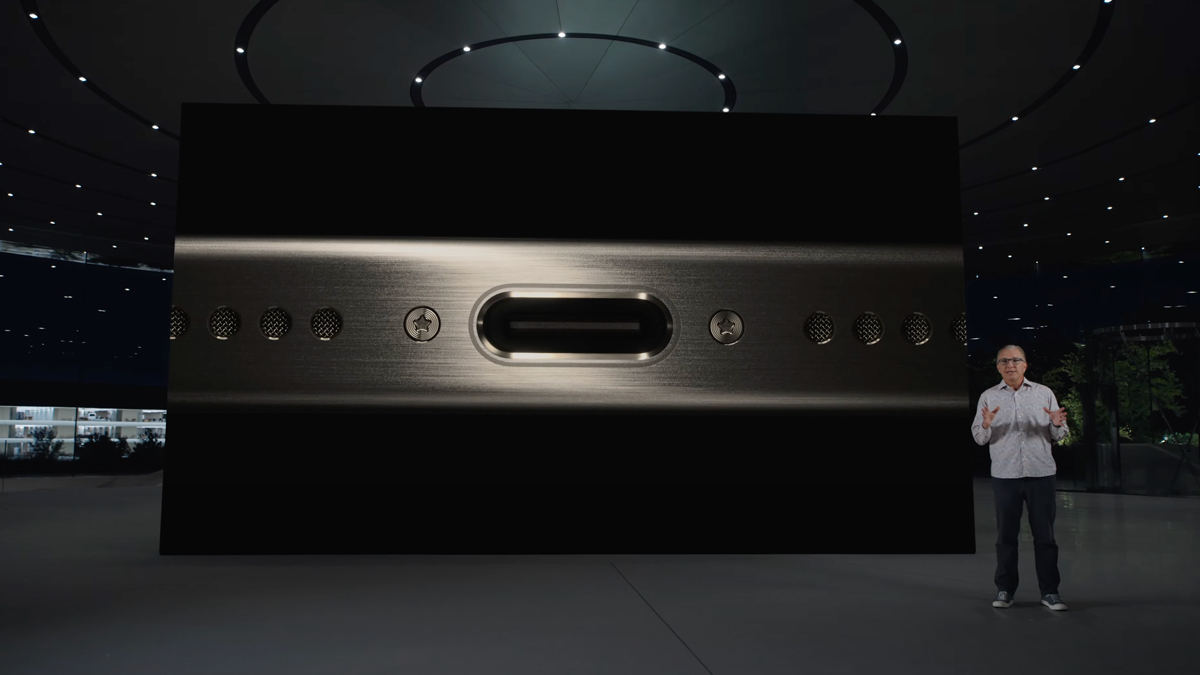
In classic Apple fashion, even though both the iPhone 15 and the iPhone 15 Pro come with USB-C ports on the bottom, they’re not actually identical. Yes, physically speaking they’re the same and can be used for charging, data transfer as well as audio and video output, but one thing you should note is that the USB-C port on the iPhone 15 and the iPhone 15 Plus only support up to USB 2.0 standards. This means that if you’re using it to transfer data for example, you’re limited to just 480Mbps speeds.

That’s likely down to the iPhone 15’s A16 Bionic processor—the same one found on the iPhone 14 Pro lineup—not having a dedicated USB 3 controller. Apple has however given the iPhone 15 Pro’s new A17 Pro chip a USB 3 controller, meaning that it can support up to 10Gbps transfer speeds. They didn’t specify what version of USB 3 this is, but seeing as it is rated for up to 10Gbps, it’s likely to be USB 3.2 Gen 2×1, as USB 3.2 Gen 2×2 is rated for up to 20Gbps transfer speeds.
That being said, regardless of whether you buy an iPhone 15 or an iPhone 15 Pro, what you’ll find in the box is a USB-C to USB-C cable that’s rated for USB 2.0 only. As such, if you want to fully utilise the USB 3 capabilities of the iPhone 15 Pro and iPhone 15 Pro Max, you’ll need to get an optional USB-C to USB-C cable with support for USB 3 10Gbps.
And there’s good reason you’d want to do that too. With the iPhone 15 Pro and iPhone 15 Pro Max, you can use a USB 3 capable cable to hook it up to your Mac and via Capture One integration shoot and transfer ProRaw images instantly to your computer. On top of that, you can also hook up an external drive to your iPhone 15 Pro or iPhone 15 Pro Max via the USB-C cable for when you shoot ProRes video at up to 4K60 resolution, mitigating the need to get the largest storage option when buying your new iPhone 15 Pro. However, for most regular users, it’s likely that you’ll never find yourself needing the USB 3 capabilities of the iPhone 15 Pro especially if all you do with it is charge your phone.

Curiously, at time of writing you can’t actually buy just a USB 3 cable on the Apple Malaysia store. Instead, the only cables available right now are USB 2 charging cables or Thunderbolt 4 USB-C cables. You do not need Thunderbolt 4 cables mind you, as that’s overkill for the 10Gbps transfer speeds that the iPhone 15 Pro supports. It’s also worth noting that the regular 1m USB-C charging cable can support up to 60W of charging power, so you can use it to charge your MacBook, iPad and now even the new AirPods 2nd Gen with USB-C charging in a pinch too.
For more about the iPhone 15 and the iPhone 15 Pro, you can check out our coverage of their debut here.