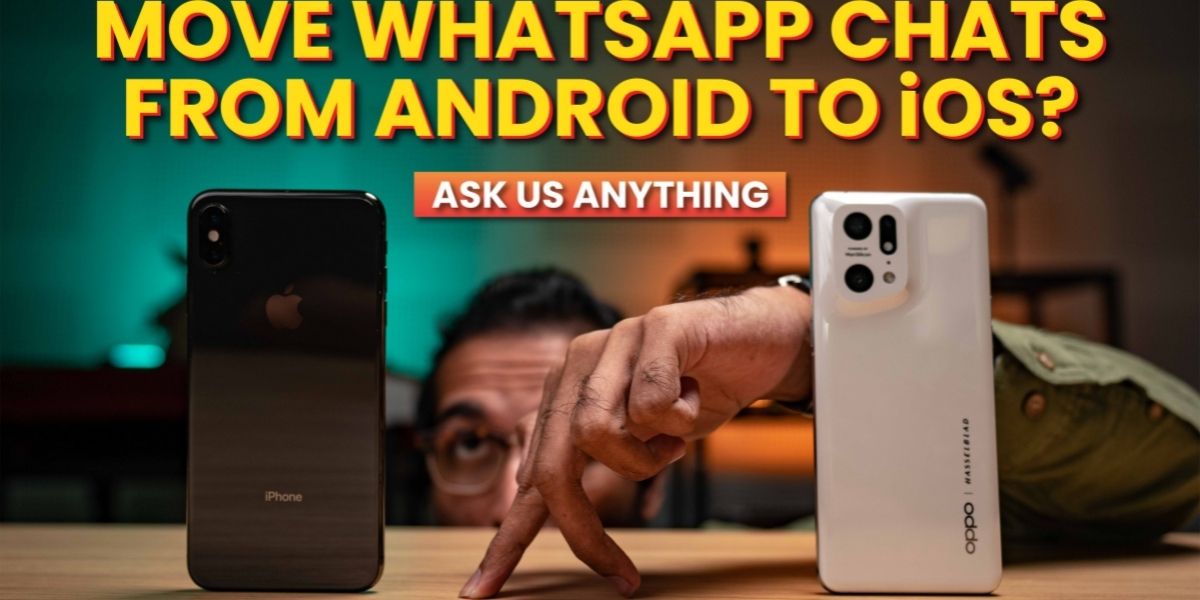
Welcome back to another episode of Ask Us Anything, where we gather your questions from the internet and answer them.
In today’s episode, we will find out how to move WhatsApp messages from Android to iOS, answer a question about the Hyundai Kona EV that we reviewed, and another concern regarding the Oppo Find X5 Pro 5G.
How to move WhatsApp messages from Android to iOS?
Let’s answer a question from you guys from last week’s AUA regarding moving WhatsApp messages between Android and iOS. In that episode, I guided you guys on moving WhatsApp messages from iOS to Android. In this episode, let’s look at moving WhatsApp messages from Android to iOS.
This time around, we won’t be needing any cables as the whole process is wireless. The process uses Apple’s Move to iOS app on Android, which was first released back in September of 2015. It was recently updated to support WhatsApp chat transfer.
Just like before, the target phone, in this case, the iPhone needs to be factory reset or else it won’t be able to pair with the Move to iOS app on the Android phone. After the factory reset, make sure that your iPhone is running at least iOS 15.5 or above. Do not install WhatsApp just yet!
On the Android phone, ensure it’s running Android 5 aka Lollipop or above and have the latest version of WhatsApp installed. After that, install the Move to iOS app from the google play store.
Plug both phones into their respective chargers and connect both devices to the same wifi network or connect your Android device to your iPhone’s hotspot.
With all that prep work done, launch the Move to iOS app on your Android phone and follow the on-screen prompts. Once the data has been successfully transferred, you can then proceed to download WhatsApp from the Apple App Store. Launch the app and log in with the same phone number as on your Android phone. After that, you’ll be able to see your chats on your new iPhone.
Do note that your android phone will still retain your data until you delete it. For a more detailed guide, you can read our article.
What happens when a Hyundai Kona Electric runs out of charge?
The Hyundai Kona EV is a battery electric vehicle and has a fully electric powertrain. There is no internal combustion engine here. So, if you do run out of charge halfway through your journey, the car will stop running. You will then need to tow or push the vehicle to the nearest charging station.
In a plug-in hybrid vehicle like this BMW, the electric powertrain works in tandem with the internal combustion engine, so if the battery runs out, you can always rely on the internal combustion engine.
If you haven’t watched our review of the Hyundai Kona EV where we took it on an 800km road trip, I will save you the search and leave the Youtube link below.
Can the Oppo Find X5 Pro game?
In a previous episode of AUA, I answered some of the concerns your guys had on the Oppo Find X5 Pro. In this episode, we will look at the smartphone’s gaming capabilities.
Well, this is a flagship smartphone from Oppo and packs Qualcomm’s current top-of-the-line Snapdragon 8 gen 1 with 12GB of LPDDR5 RAM and 256GB of UFS 3.1 storage. So, I think it’s safe to say that the phone can handle gaming. Just don’t expect it to have dedicated gaming software and gaming features such as shoulder buttons like on a ROG phone from Asus.
You can find all our coverage of the Oppo Find X5 Pro 5G on our website.