• 中文版
  • BM
  • News
  • Deals
  • Reviews
    • First Impressions
    • Hands-on
    • Comparisons
  • Tech
    • Mobile
    • Computers
    • Cameras
    • Wearables
    • Audio
    • Drones
  • Telco
    • Celcom
    • Digi
    • Maxis
    • Time
    • Tune Talk
    • U Mobile
    • Unifi
    • Yes
  • Cars
  • Contribute
  • Jobs
Menu
  • 中文版
  • BM
  • News
  • Deals
  • Reviews
    • First Impressions
    • Hands-on
    • Comparisons
  • Tech
    • Mobile
    • Computers
    • Cameras
    • Wearables
    • Audio
    • Drones
  • Telco
    • Celcom
    • Digi
    • Maxis
    • Time
    • Tune Talk
    • U Mobile
    • Unifi
    • Yes
  • Cars
  • Contribute
  • Jobs
Search
  • Tech
    • News
    • Mobile
    • Computers
    • Cameras
    • Wearables
    • Audio
    • Drones
  • Telco
    • Celcom
    • Digi
    • Maxis
    • Time
    • U Mobile
    • Unifi
    • Yes
  • Reviews
    • First Impressions
    • Hands-on
    • Comparisons
  • Buyer’s Guide
  • Opinions
  • Digital Life
  • Video
  • Deals
  • How-To
  • Cars
  • Bahasa Melayu
  • EV
  • Contribute
  • Advertise
Menu
  • Tech
    • News
    • Mobile
    • Computers
    • Cameras
    • Wearables
    • Audio
    • Drones
  • Telco
    • Celcom
    • Digi
    • Maxis
    • Time
    • U Mobile
    • Unifi
    • Yes
  • Reviews
    • First Impressions
    • Hands-on
    • Comparisons
  • Buyer’s Guide
  • Opinions
  • Digital Life
  • Video
  • Deals
  • How-To
  • Cars
  • Bahasa Melayu
  • EV
  • Contribute
  • Advertise
Search
Close
Home Tech Cameras

iPhone 13 Pro came with an annoying macro camera setting. Here’s how Apple is fixing it with iOS 15.2

  • BY Dzamira Dzafri
  • 15 November 2021
  • 5:04 pm
  • Comment
Share on FacebookShare on Twitter

The Apple iPhone 13 Pro has a pretty good camera set-up, putting it among the top 5 on DxOMark Mobile. But there are already some previous reports of iPhone 13’s flaws—like attempts by Apple to discourage third-party repairs. But hey, at least the camera feature is still pretty good, right? Well, not if you’re an avid user of its macro feature.

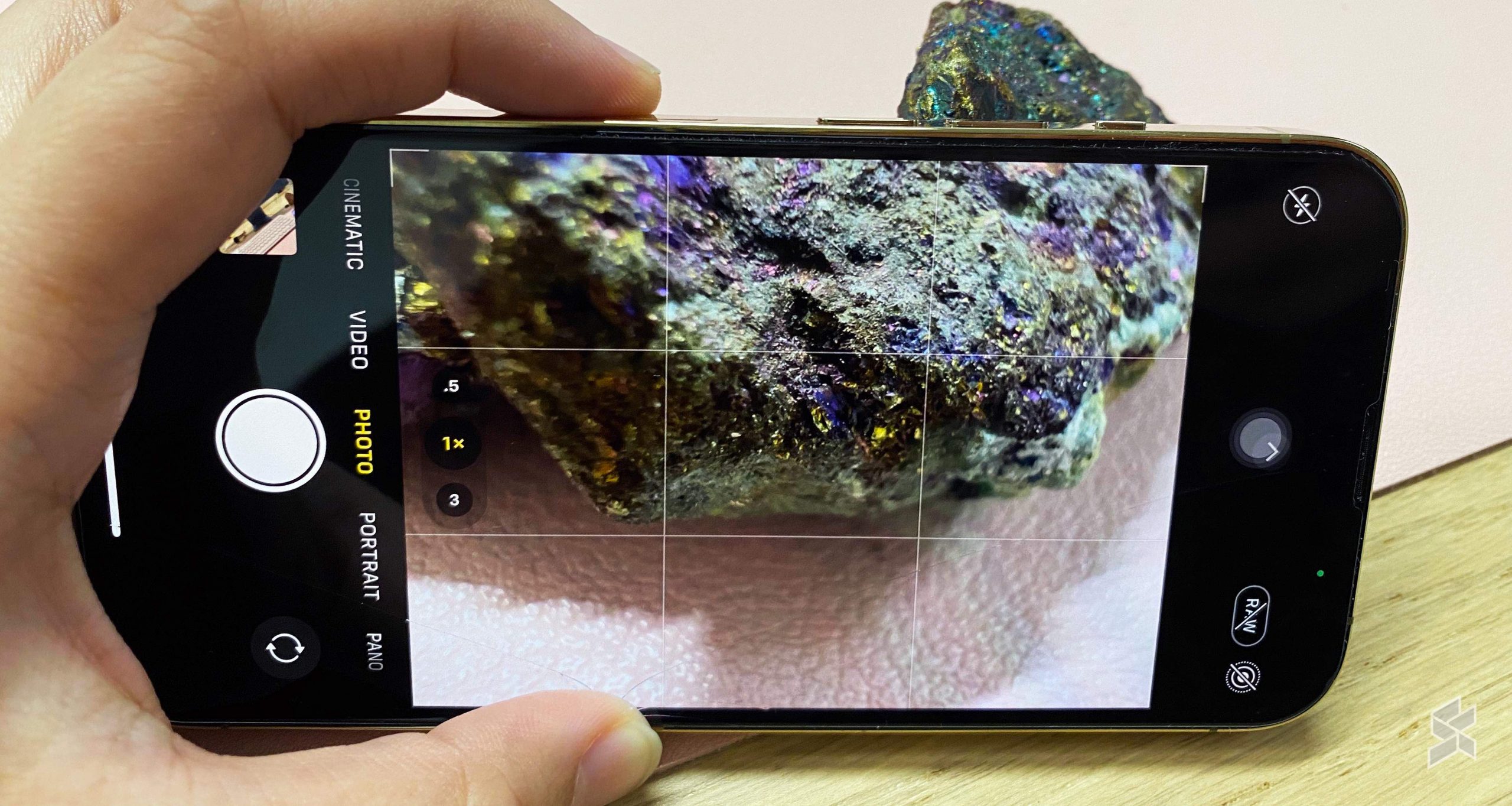
Currently, there isn’t a “macro” feature button in its camera app—but rather it simply switches modes automatically when you got close enough to an object. It seems incredibly convenient, but it may result in some other challenges if you don’t want to take macro pictures on purpose. You can, however, go to the Settings app and toggle the auto macro feature on or off with the iOS 15.1 update.

While it gives you the option for more control over the macro features, you had to manually switch to the ultra-wide camera and then zoom in to get a macro shot. The “fix” isn’t quite as seamless as it should be, but luckily Apple is testing on a fix for iOS 15.2.

iOS 15.2 beta 2 lets you switch to macro mode directly within the Camera app. You will still need to get close enough to the object if you want to shoot it in macro mode, but a little flower icon will pop up on the camera preview. You’d then be able to activate macro mode by pressing on the icon. You’ll just need to make sure you dive into Settings > Camera > Auto Macro and make sure the setting is toggled off before the flower will pop up.
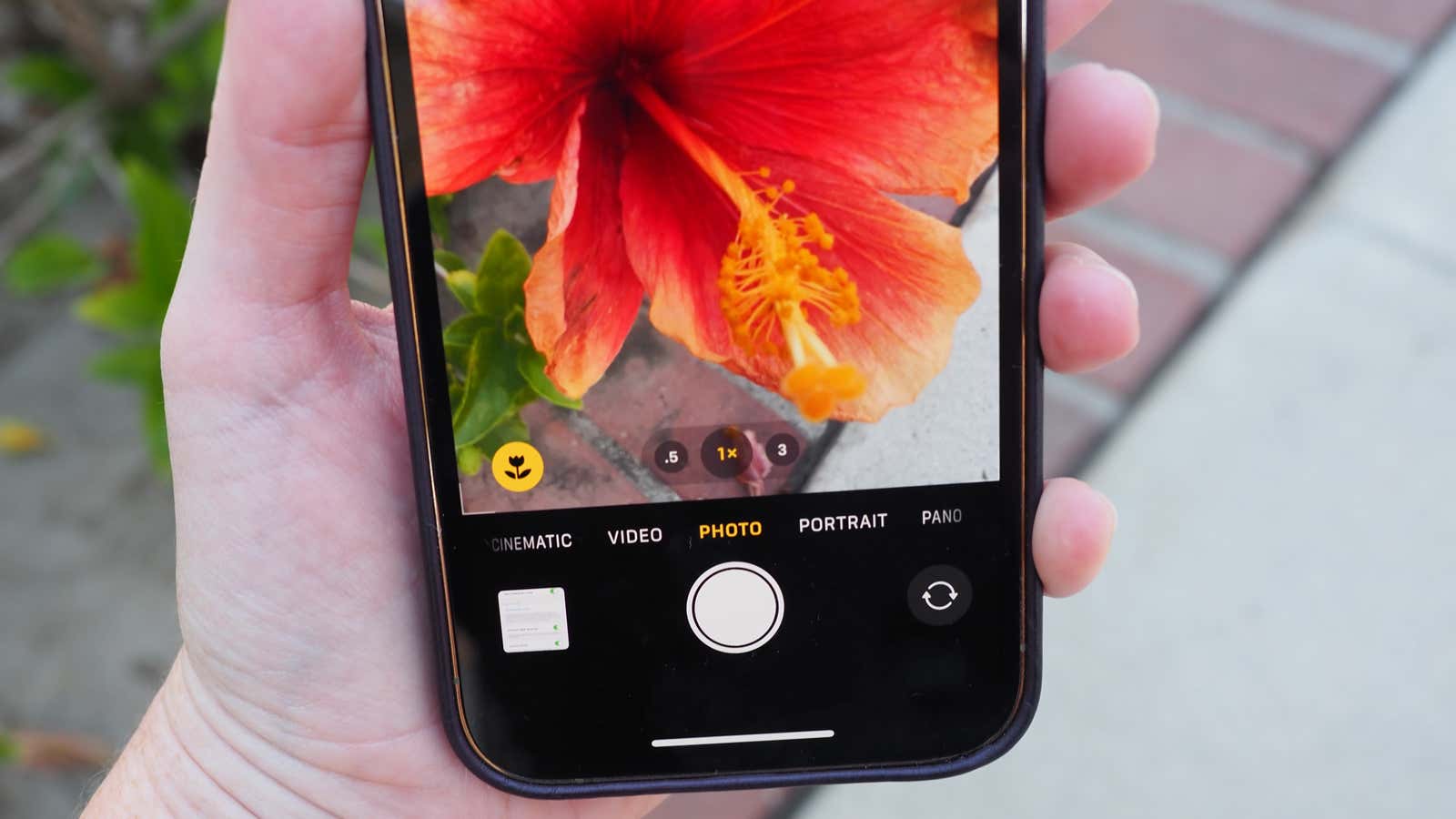
Source: Gizmodo

Besides the macro toggle button, iOS 15.2 will also introduce Digital Legacy. The feature will make it easier to pass your data to people you trust when you kick the bucket.

[ SOURCE ]

Tags: AppleApple iOS 15.2Apple iPhoneapple iphone 13Apple Macro LensiPhone 13 Pro
Dzamira Dzafri

Dzamira Dzafri

POPULAR

Upgraded To a New Phone? Cool. But When Was the Last Time you Upgraded your Shaver?

November 10, 2025

5 Reasons Every Home Should Have a Smart Security System

November 11, 2025

Solar ATAP: The new solar programme for consumers will only start in 2026

December 2, 2025

iPhone 13 Pro came with an annoying macro camera setting. Here’s how Apple is fixing it with iOS 15.2

November 15, 2021
Perodua QV-E EV

Perodua QV-E is now official: Electric sportback with 201hp, 445km NEDC range, priced at RM80k not inclusive of battery subscription

December 1, 2025

GrabRewards is now GrabCoins: Now with even more ways to earn and save

November 17, 2025

Copyright © 2025 · SoyaCincau.com
Mind Blow Sdn Bhd (1076827-P)

  • ADVERTISE
  • DISCLAIMER

Copyright © 2025 · SoyaCincau.com – Mind Blow Sdn Bhd (1076827-P)

  • ADVERTISE
  • DISCLAIMER