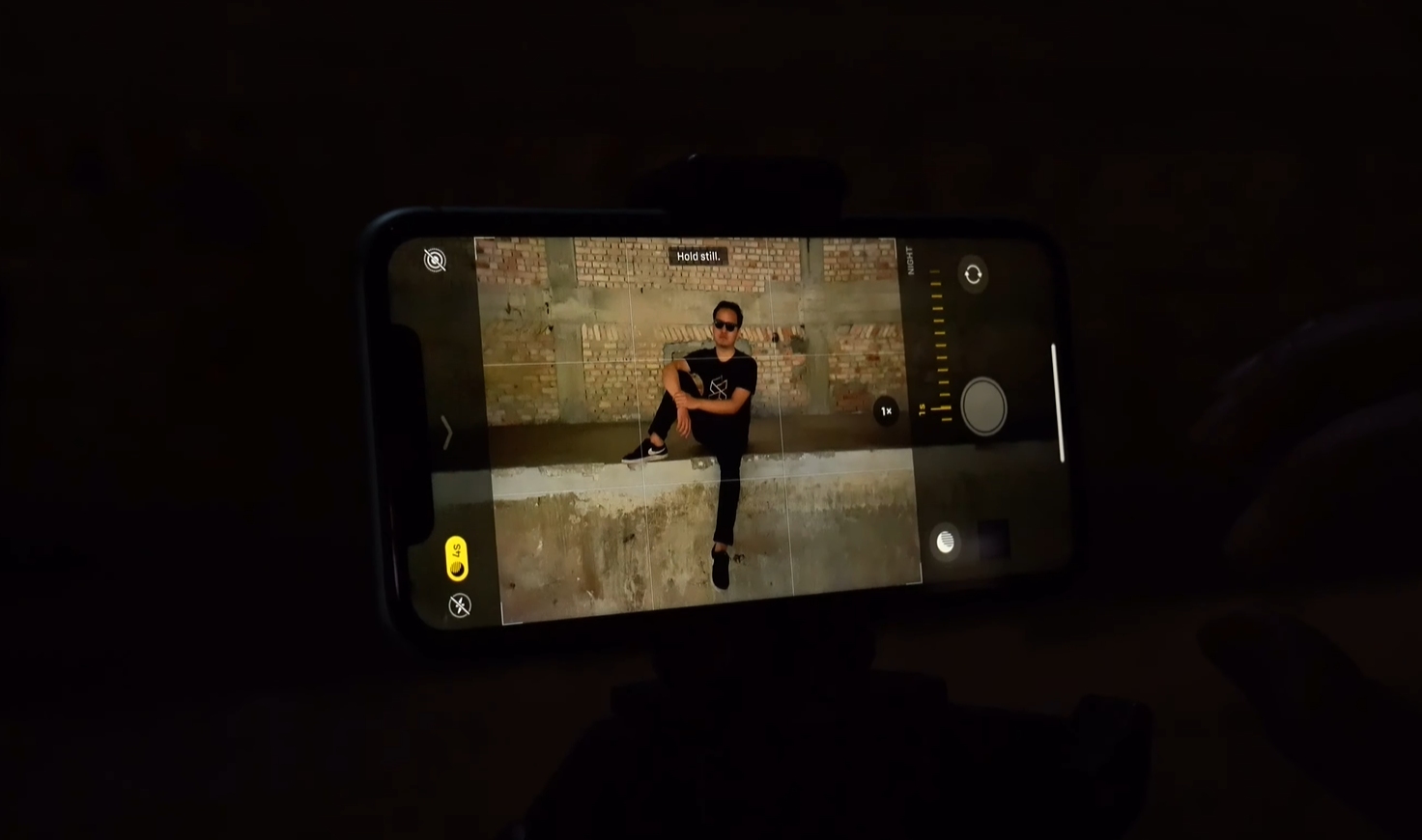
If you own an iPhone 11 or newer, then you would probably know about the Night Mode feature within your camera. It kicks in automatically when it detects a low-light environment, allowing anyone to capture well-lit photos.
Night Mode works by increasing the photo exposure in low-lighting conditions and it would take several seconds to process. Users could turn it off whenever they needed to but Night Mode would turn back on automatically the next time they load up the camera. With iOS 15, users can soon keep it turned off permanently if they find the mode annoying.
Preserve Night Mode settings
To disable Night Mode when iOS 15 arrives, users can head over to Settings and tap the Camera section. Tap the “Preserve” settings and from there Night Mode can be toggled on. The next time you switch Night Mode off, it will stay off even after you restart the Camera app. You will be able to use Night Mode when you manually tap the moon icon in the camera app.
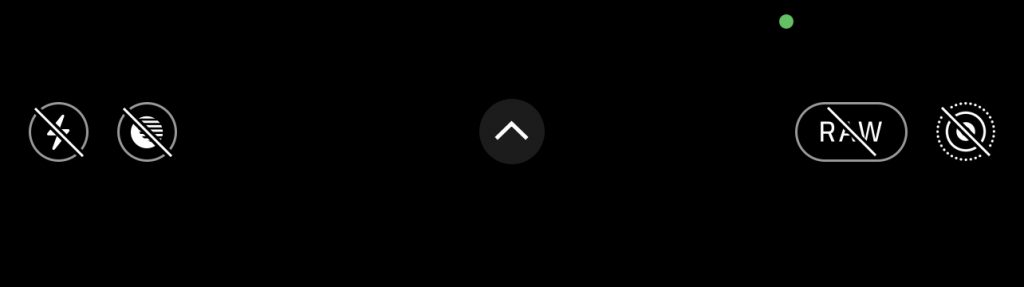
The option to keep Night Mode off by default provides better flexibility as not everyone may be patient enough to wait a couple of seconds to take a picture in the dark. Night Mode isn’t ideal if you’re taking a picture with shaky hands or if the subject is moving. Alternatively, some people might intentionally want to capture darker, low-light environments and may not necessarily want higher exposure night photos.
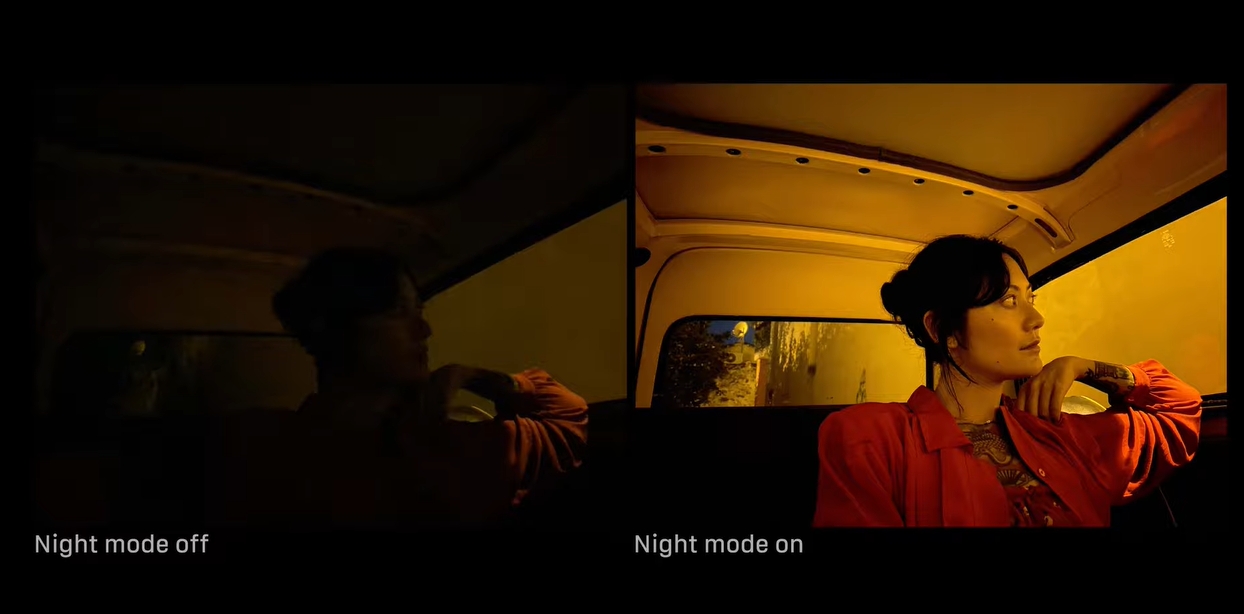
Apple’s Night Mode is made possible with its processing power and AI-assisted photography capabilities. When you take a shot, it will capture multiple images in the background while being stabilised by optical image stabilisation.
The Night Mode feature was first made popular by the Huawei P20 series and they even took it up a notch with its insane Moon Mode on the P30 lineup. Subsequently, almost every smartphone maker including Google, Oppo, Samsung and Apple has rolled out Night Mode for their new flagship devices.
More iOS 15 camera features
Another camera improvement that iOS 15 will likely bring is the automatic removal of unwanted lens flares from photos, based on the fourth beta version. However, 9to5Mac believes that this feature might only be available for users who have an iPhone XS or later.
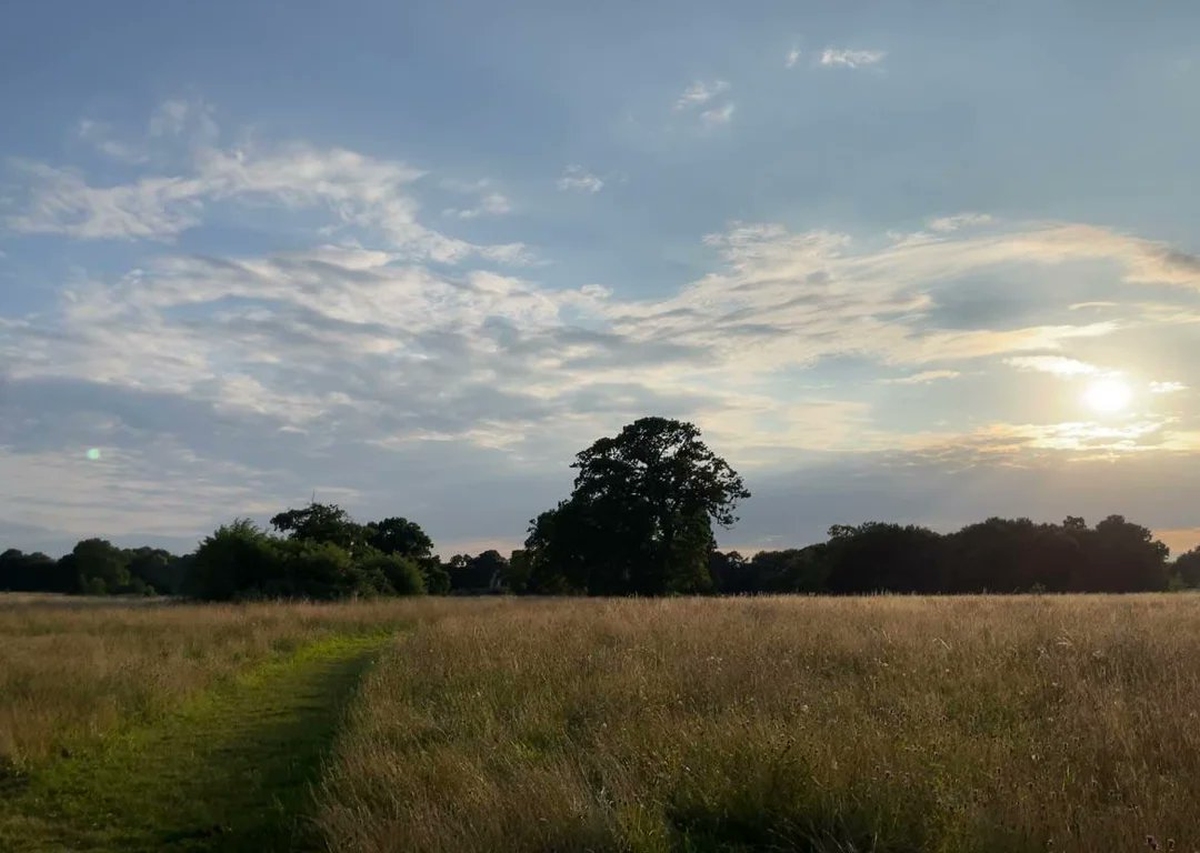
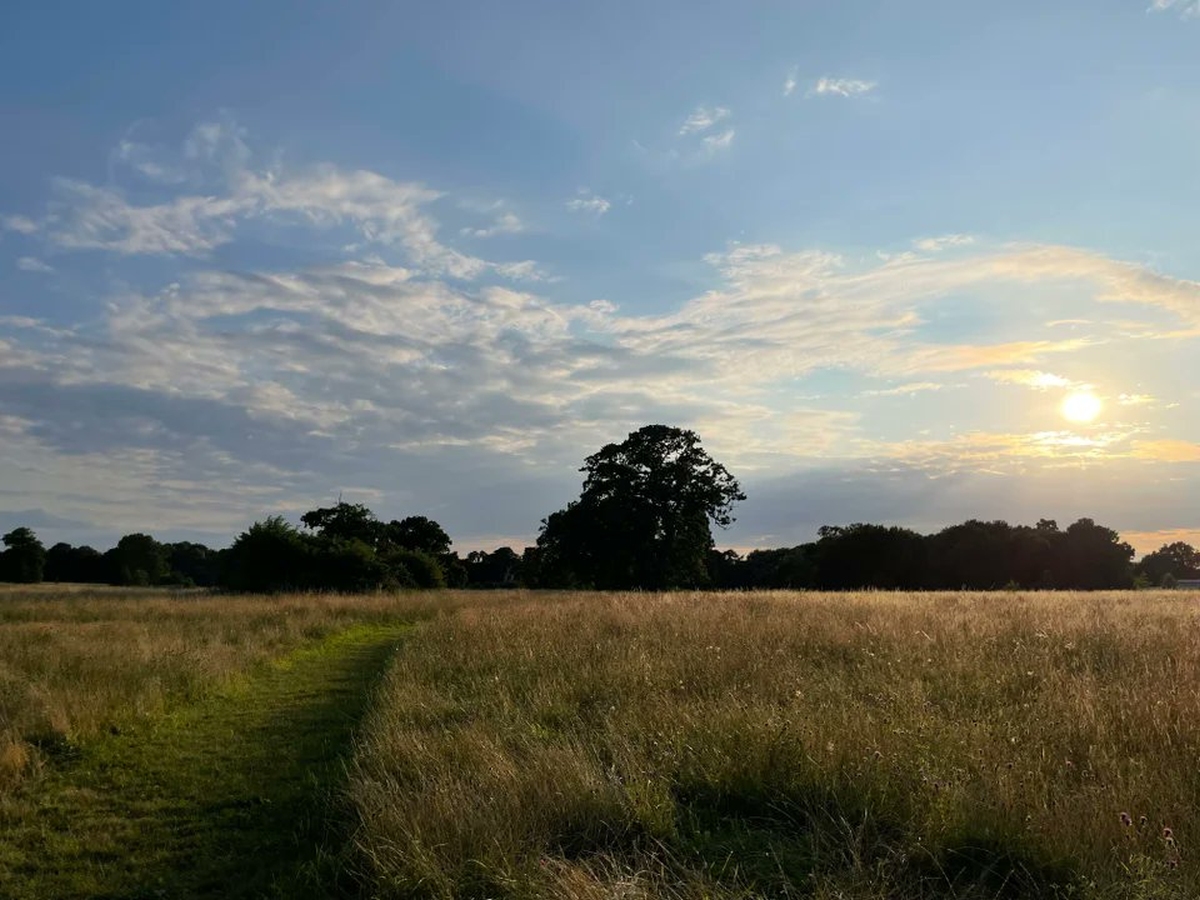
Source: @Halide
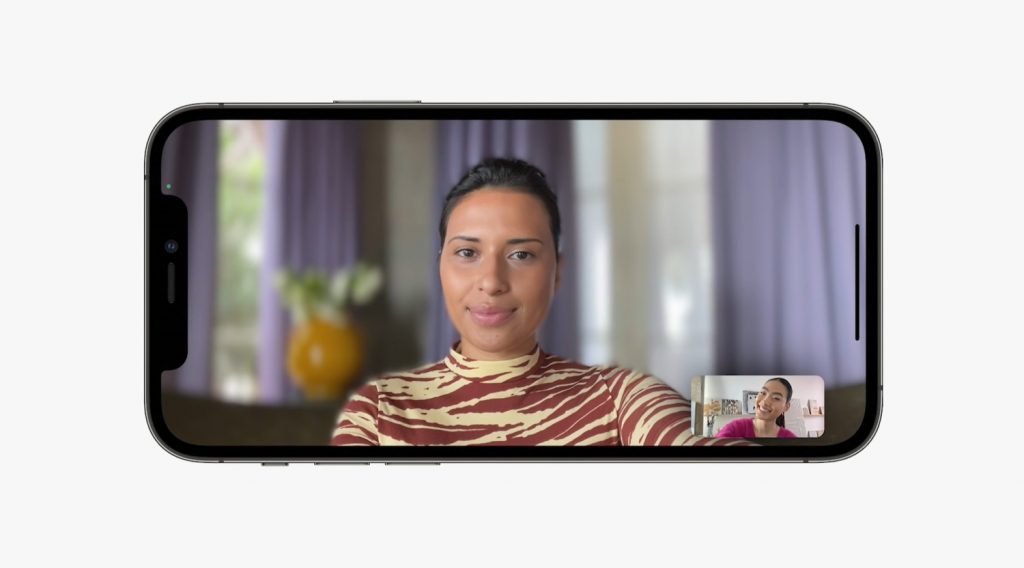
Furthermore, iOS 15 will also bring Portrait Mode to FaceTime calls, which blurs the background behind a person to automatically shift the focus on them. However, Apple has stated this feature is only available for models with the A12 Bionic chip onwards, which includes the iPhone XR, iPhone XS, XS Max and newer.
Furthermore, the camera app will also be updated to extract Live Texts directly. Users will be able to point their camera at any text that catches their attention and they’ll be able to select it for further action. The feature is great for copying down notes during classes.
iOS 15 is expected to be released publicly next month in conjunction with the launch of the iPhone 13 series. The upcoming mobile operating system supports iOS 14 devices which includes the iPhone 6s from 2015 as well as the first iPhone SE from 2016. Based on what we’ve seen so far, some headlining iOS 15 features such as Universal Control and Share Play won’t be available in the initial release.