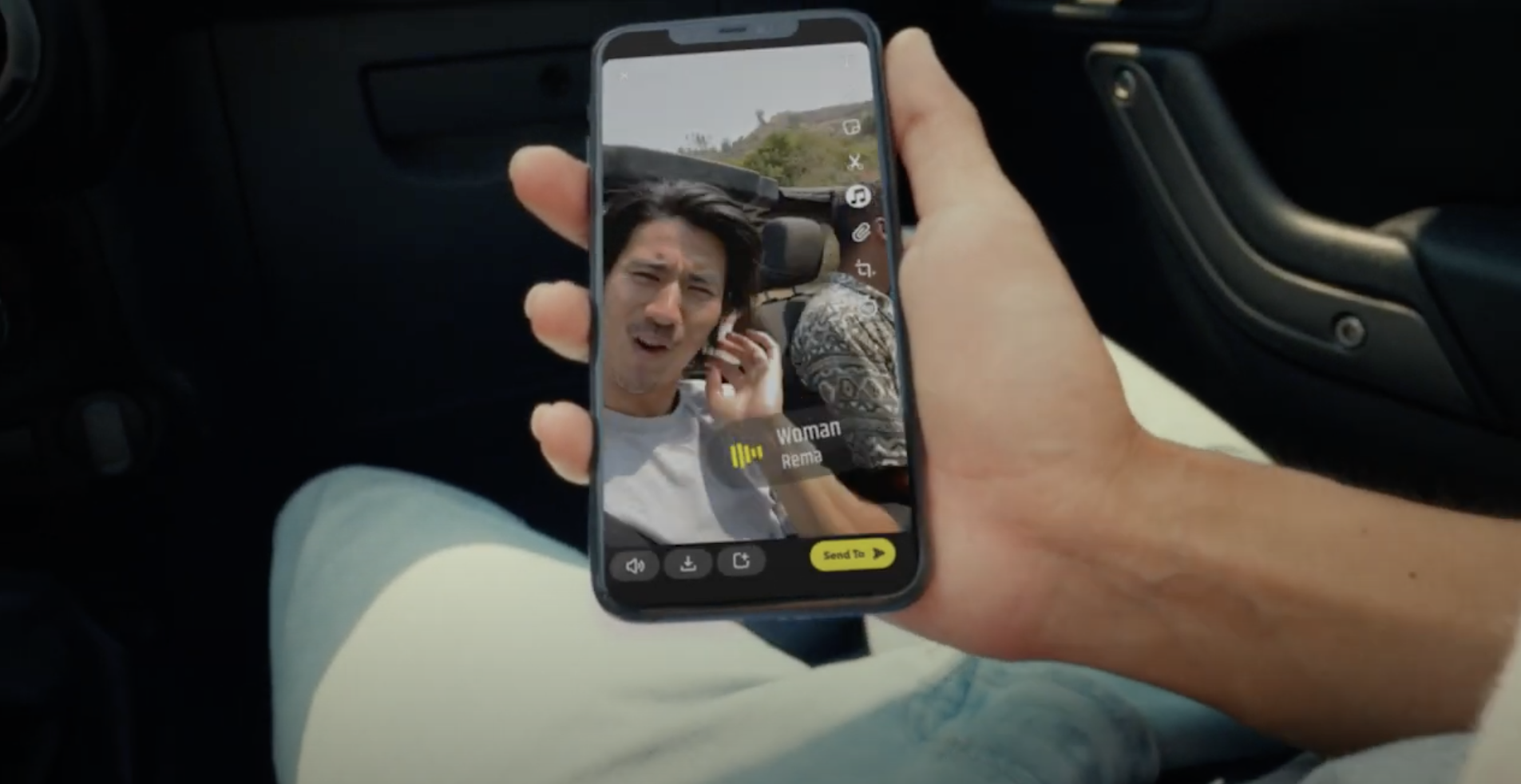
Snapchat has just launched their Sounds feature yesterday, and it lets your add music to your Snaps from “a robust and curated catalogue of music from emerging and established artists”. It sounds like TikTok’s Sounds feature—and seeing as I’m getting more and more into TikTok these days, let me try Snapchat’s version to compare how I feel about the two.
TikTok
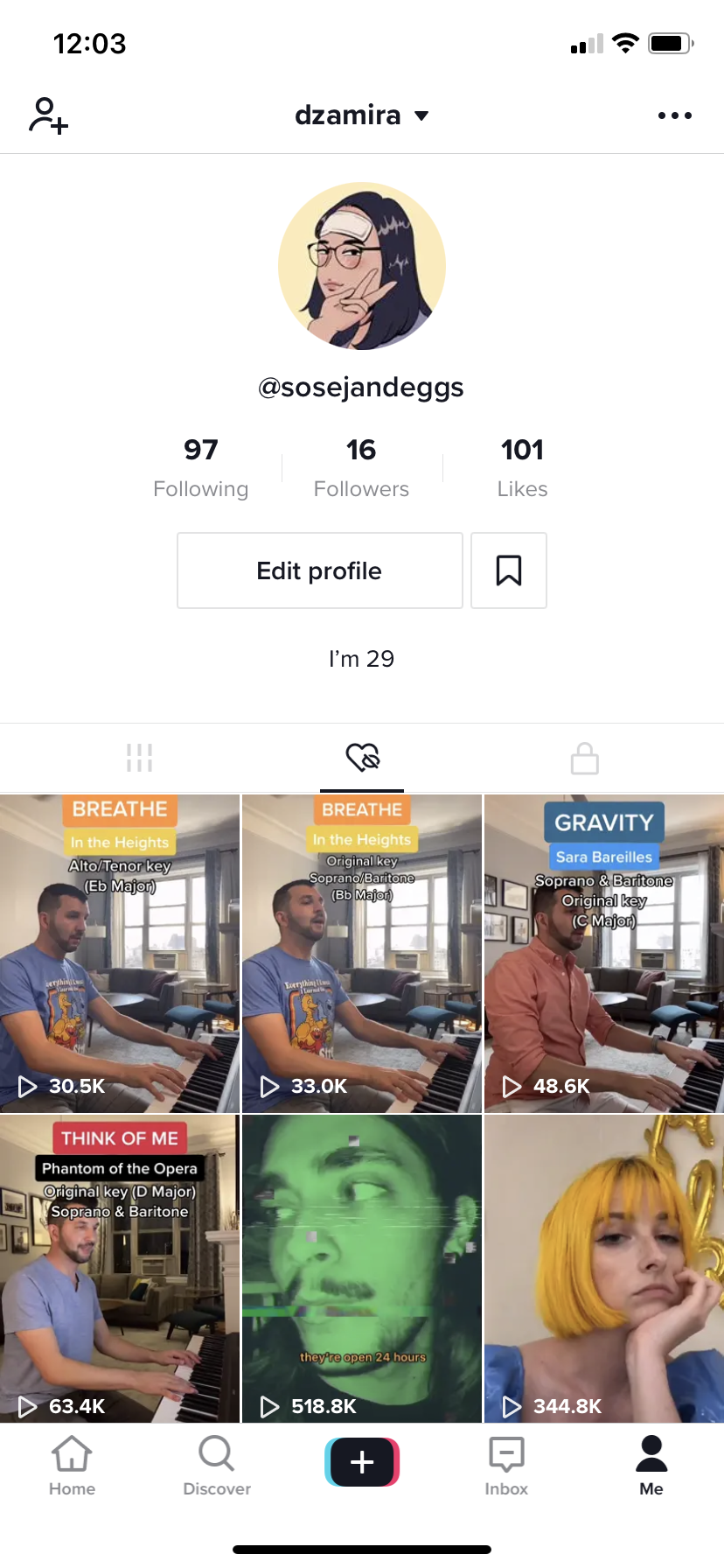
After playing around with it for some time, I’ve been growing more fond of TikTok (iOS, Android). I even tried doing a few video of my own but it resulted in a very lacklustre amount of views—but it truly is an enjoyable form of making content.
A big part of what makes TikTok so fun is that we can make content using sounds posted by professional artists, amateur creators, and even just sounds from other videos on the app. It makes for good inside jokes, and unique ways to make short form content.
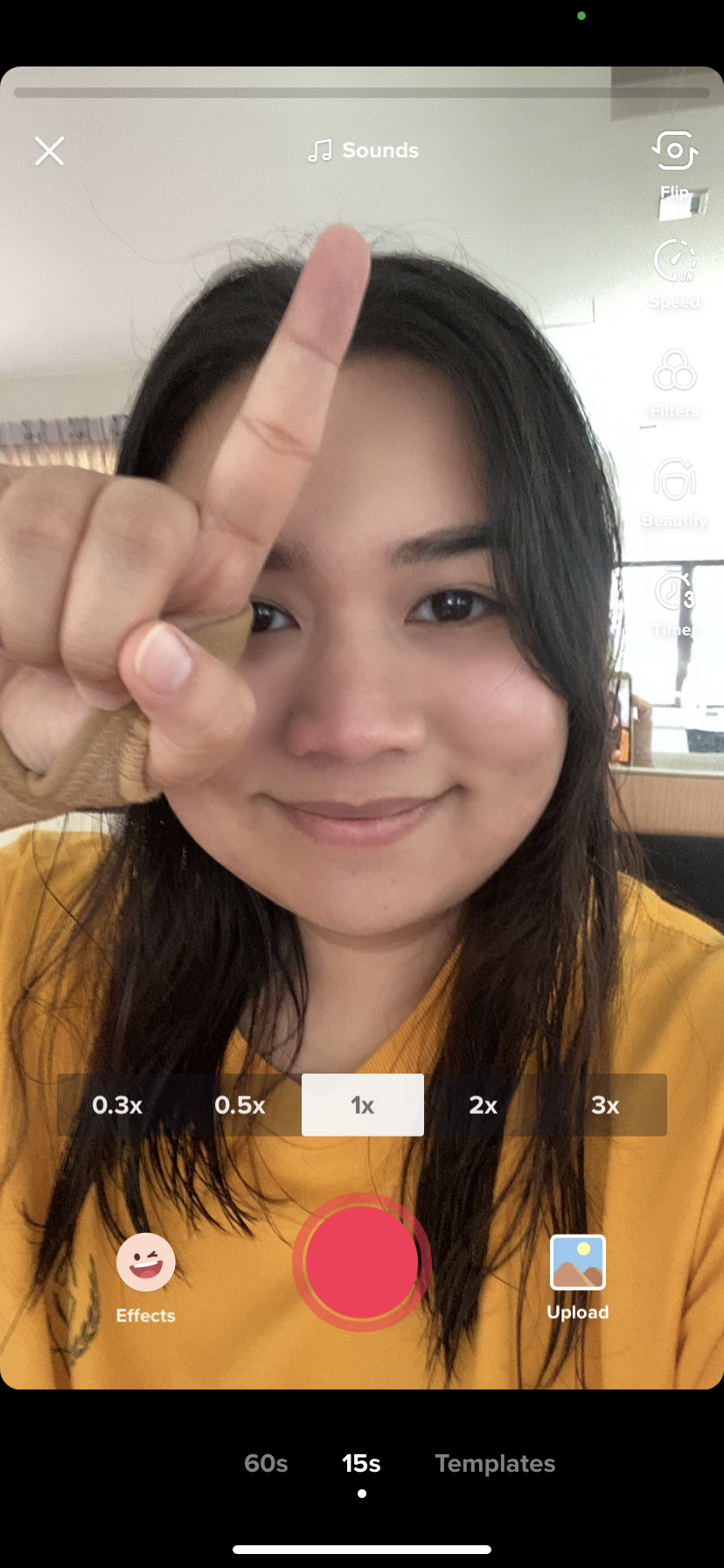
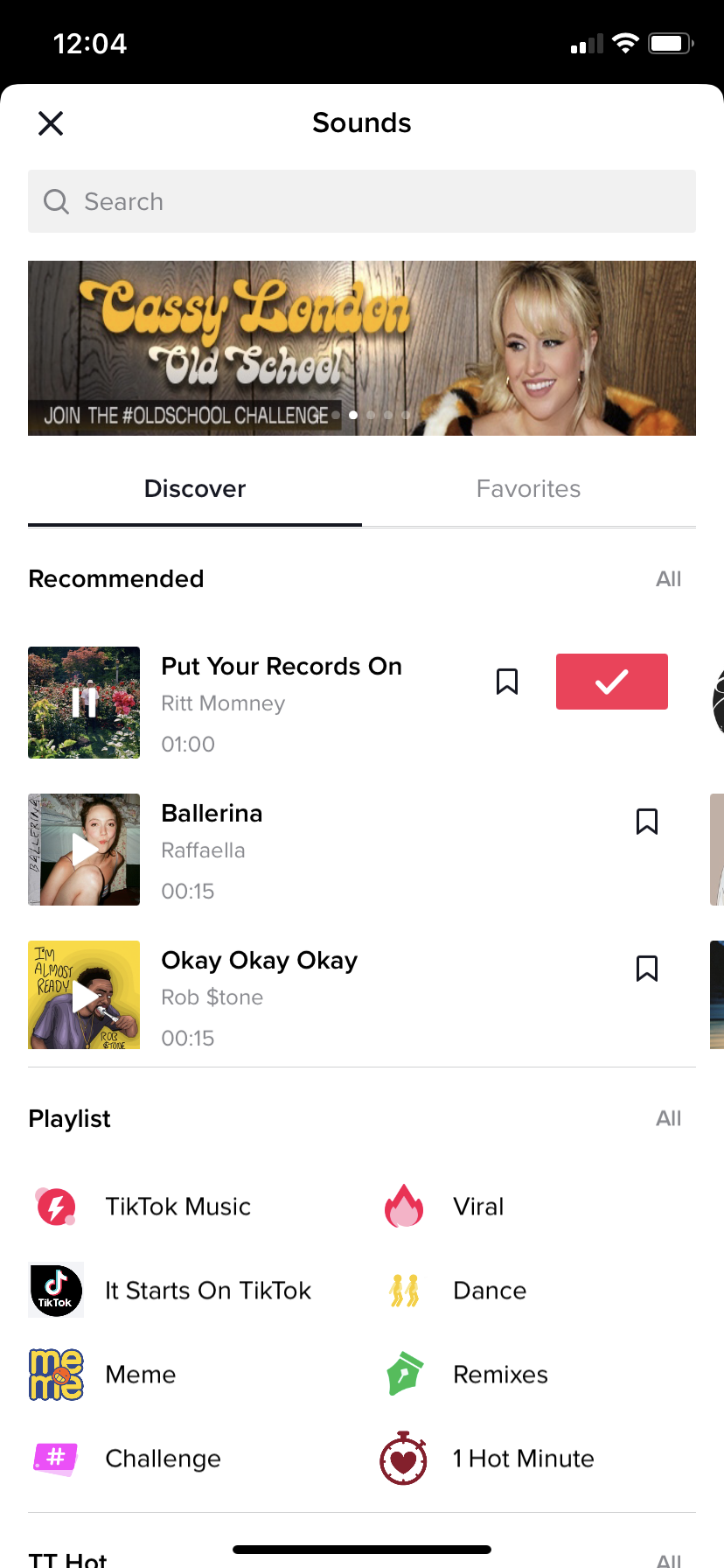
To discover new sounds to use for your own videos, press the “+” sign at the bottom to start. Before you shoot anything, you can pick your sound by pressing “Sounds” on the top. Pressing it will bring you to a page where you can look for recommended sounds, sounds based on categories, and even the sounds you’ve saved before.
Noticeably, the sounds on TikTok are mostly posted by amateurs—and they very rarely are posted by the artists or recording companies. This means that anyone can potentially make a hit sound for people to use. But this also means that it can get taken down if a company has proof that it owns that specific track.
Of course, you can select official tracks by looking to see if there is a blue TikTok logo before the name of the sound. But I think that it’s more fun if I choose sounds based on how good they are, rather than if they come from official sources.
Snapchat
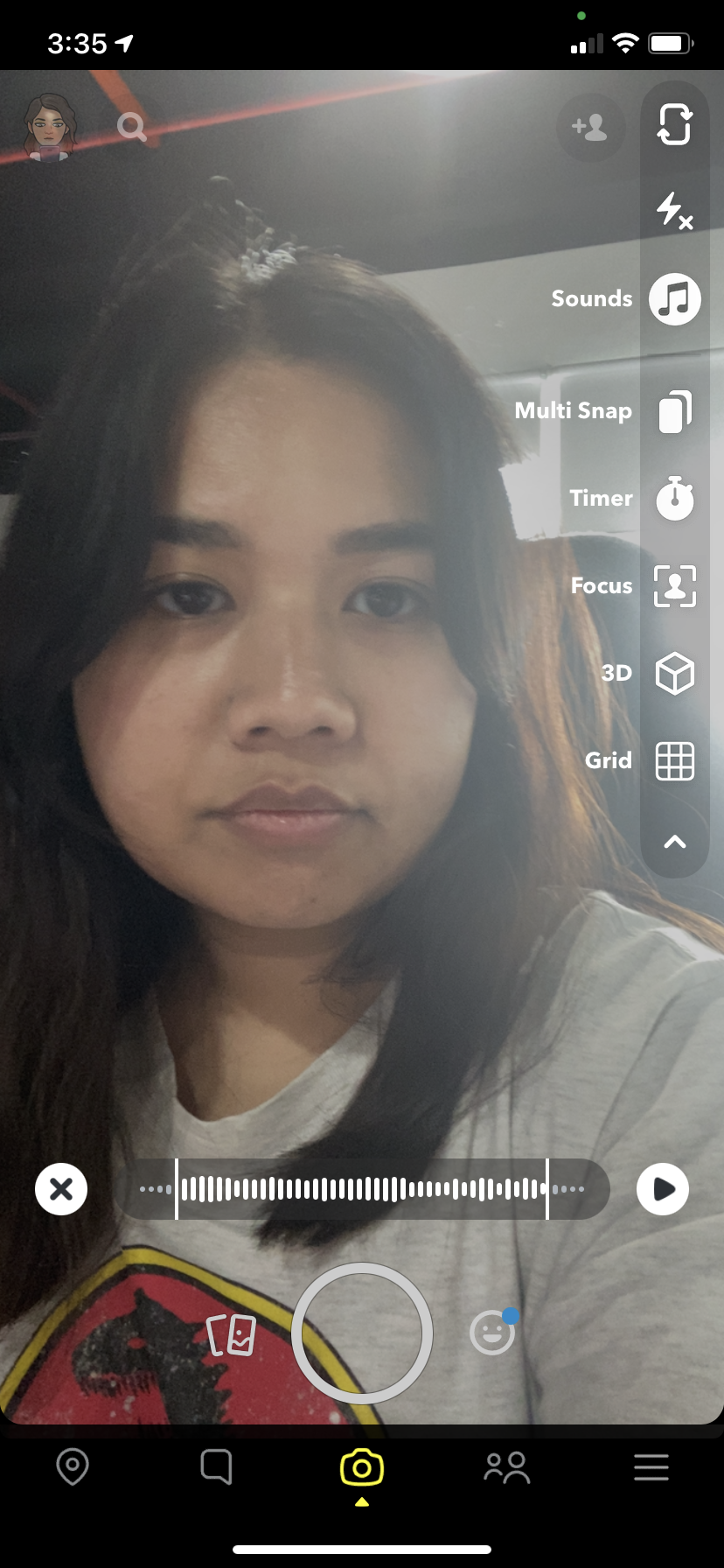
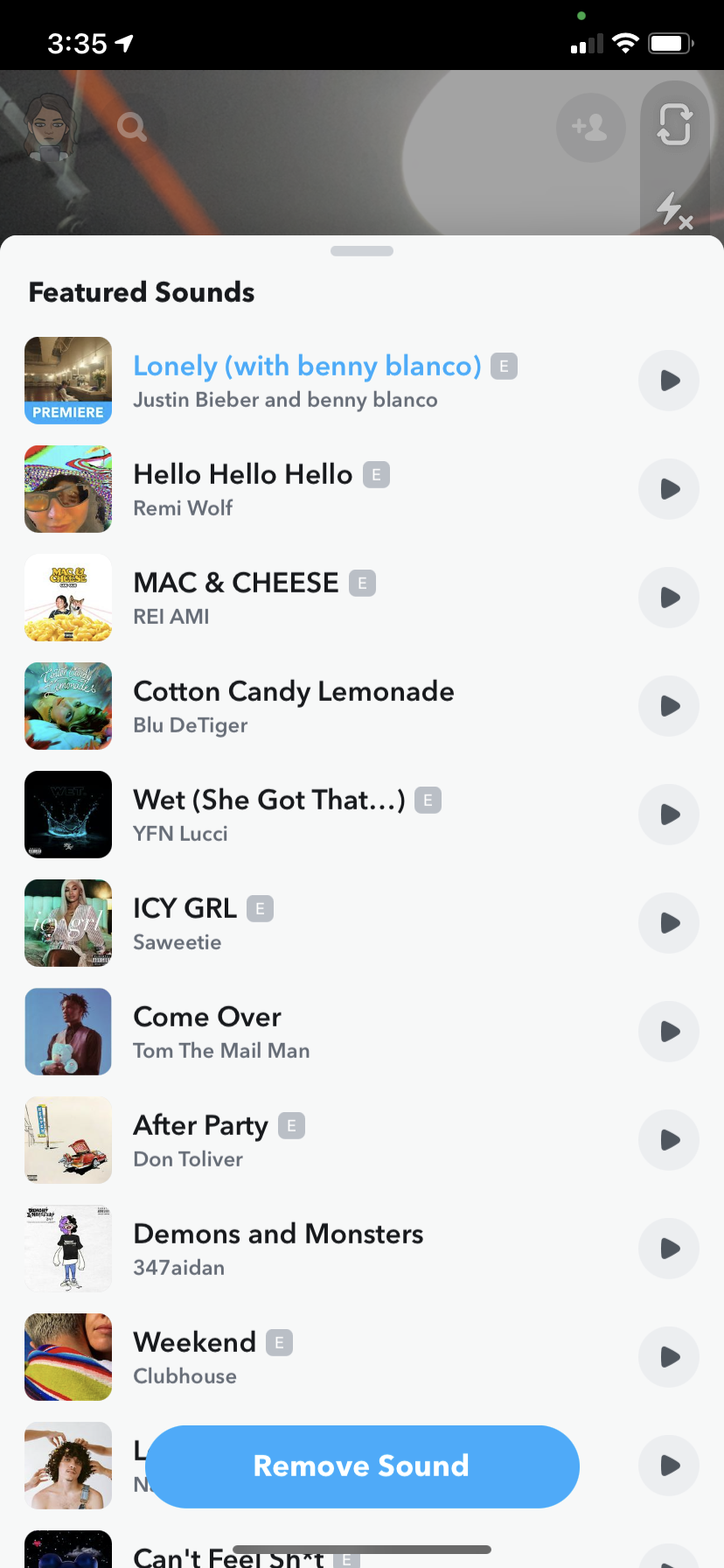
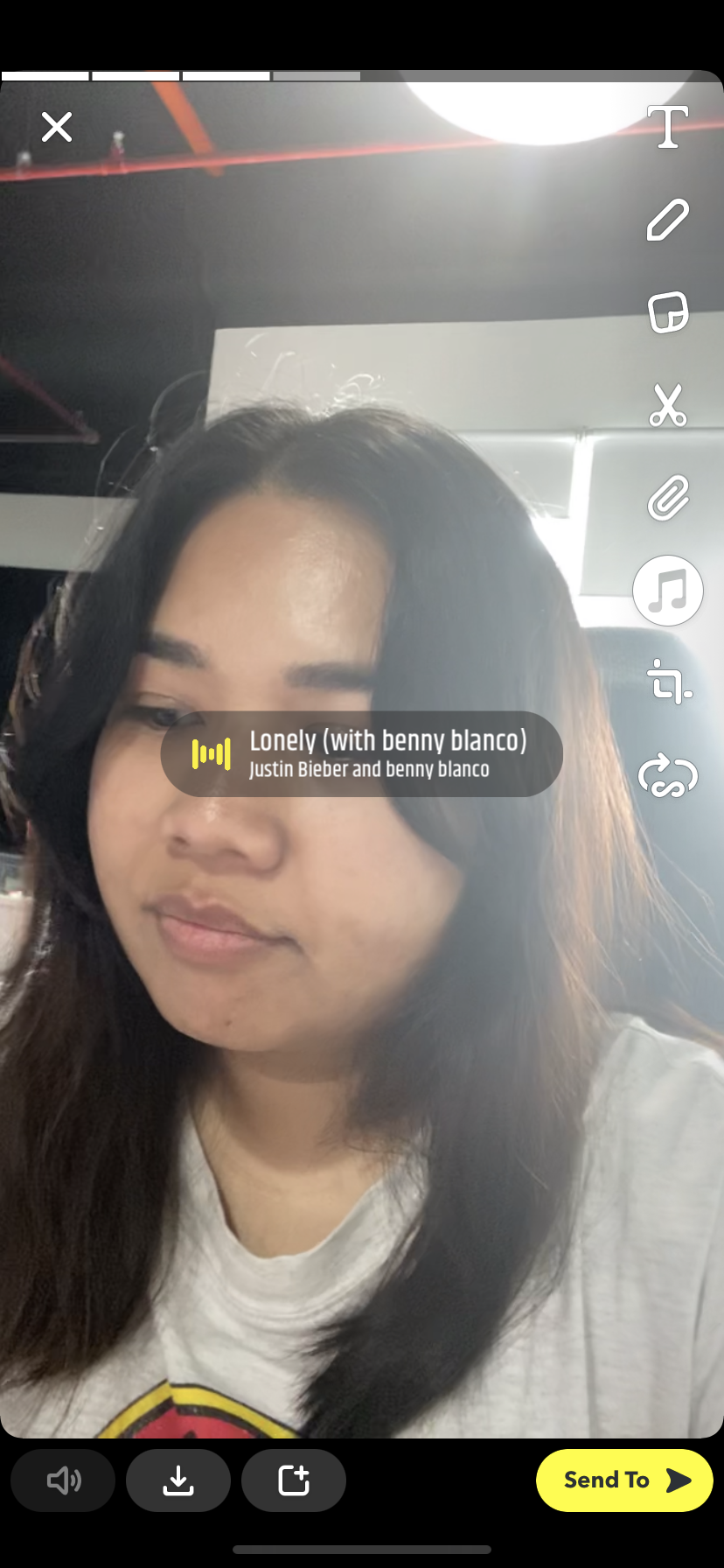
Snapchat’s new feature—Sounds—can now be accessed by just firing up your Snapchat app (iOS, Android) and looking through the options on the top right side. There, you’ll be able to see the Sounds icon.
From what I’ve noticed, Snapchat only lets me pick ‘Featured Sounds’—and there are only 20 sounds to choose from. However, they’re all official tracks released by recording artists and/or companies.
You can even pick a new track by Justin Bieber and Benny Blanco titled “Lonely”. It premiered along with the release of Snapchat Sounds yesterday—but we could only listen to a few seconds of the song, not the full track.
If you want to listen to Bieber’s full track, it only just released today. You can listen to it on YouTube here.
Snapchat sounds is also only meant to be used for Snapchat messages—which is basically private, to be shared with friends, or just for your followers. It only lets you use a few seconds of a song, and you don’t get to pick which part of the song you want to use.
However, if Snapchat could expand their range in their Sounds feature, it could potentially be more fun. Linking the app up to music players like Spotify can also be a great addition if they don’t want to use amateur sounds like on TikTok.
[ SOURCE, IMAGE SOURCE ]