• 中文版
  • BM
  • News
  • Deals
  • Reviews
    • First Impressions
    • Hands-on
    • Comparisons
  • Tech
    • Mobile
    • Computers
    • Cameras
    • Wearables
    • Audio
    • Drones
  • Telco
    • Celcom
    • Digi
    • Maxis
    • Time
    • Tune Talk
    • U Mobile
    • Unifi
    • Yes
  • Cars
  • Contribute
  • Jobs
Menu
  • 中文版
  • BM
  • News
  • Deals
  • Reviews
    • First Impressions
    • Hands-on
    • Comparisons
  • Tech
    • Mobile
    • Computers
    • Cameras
    • Wearables
    • Audio
    • Drones
  • Telco
    • Celcom
    • Digi
    • Maxis
    • Time
    • Tune Talk
    • U Mobile
    • Unifi
    • Yes
  • Cars
  • Contribute
  • Jobs
Search
  • Tech
    • News
    • Mobile
    • Computers
    • Cameras
    • Wearables
    • Audio
    • Drones
  • Telco
    • Celcom
    • Digi
    • Maxis
    • Time
    • U Mobile
    • Unifi
    • Yes
  • Reviews
    • First Impressions
    • Hands-on
    • Comparisons
  • Buyer’s Guide
  • Opinions
  • Digital Life
  • Video
  • Deals
  • How-To
  • Cars
  • Bahasa Melayu
  • EV
  • Contribute
  • Advertise
Menu
  • Tech
    • News
    • Mobile
    • Computers
    • Cameras
    • Wearables
    • Audio
    • Drones
  • Telco
    • Celcom
    • Digi
    • Maxis
    • Time
    • U Mobile
    • Unifi
    • Yes
  • Reviews
    • First Impressions
    • Hands-on
    • Comparisons
  • Buyer’s Guide
  • Opinions
  • Digital Life
  • Video
  • Deals
  • How-To
  • Cars
  • Bahasa Melayu
  • EV
  • Contribute
  • Advertise
Search
Close
Home News

Samsung’s updated “Find My Mobile” app can now locate offline Galaxy phones

  • BY Nic Ker
  • 25 August 2020
  • 11:31 am
  • Comment
Share on FacebookShare on Twitter

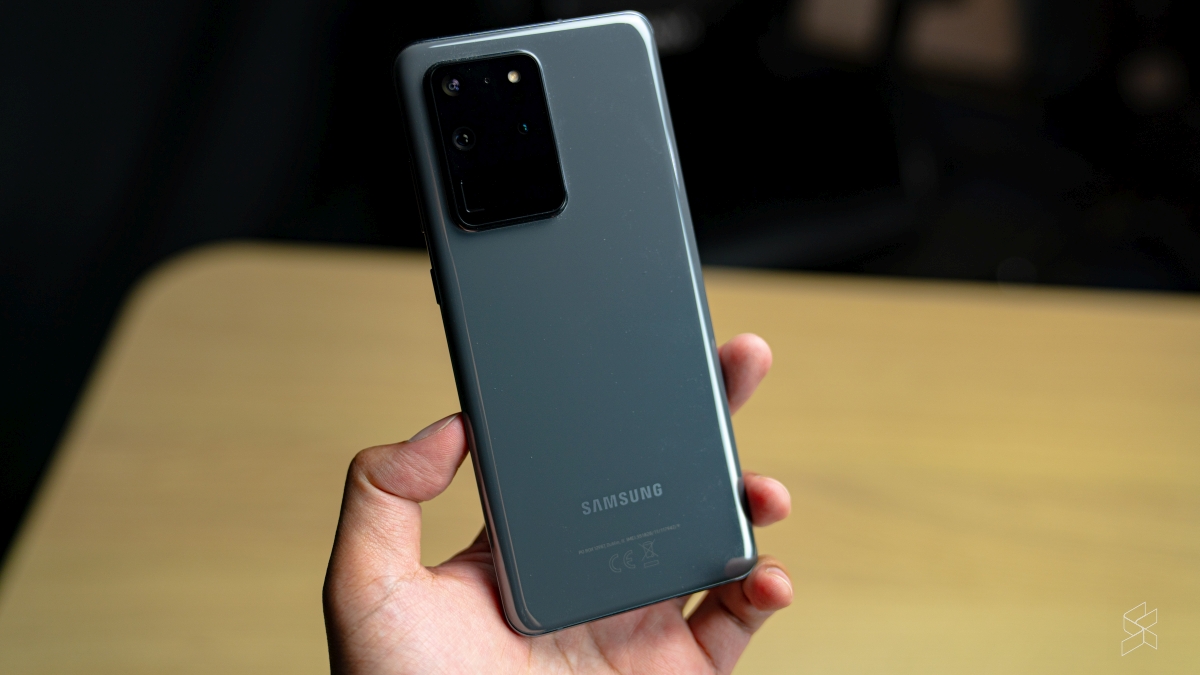
Just like Find My iPhone, the Find My Mobile app by Samsung is a tool that functions as a last resort for users who have misplaced their Galaxy smartphones. In the past, however, this only worked if your Galaxy device was online—either through WiFi or cellular data.

Now, as first spotted by XDA Developers, the nifty app will now with with Galaxy phones that are offline.

Looks like Samsung just added offline finding to Samsung's Find My Mobile.

Let's you track your phone even if it doesn't have WiFi or cellular by using other Galaxy users. pic.twitter.com/psLl1rcb4X

— Max Weinbach (@MaxWinebach) August 22, 2020

So, how does this work without network connectivity? Samsung hasn’t given an official explanation yet, but it supposedly works by leveraging off a network of nearby Galaxy devices. Additionally, if enabled, your phone can also help others locate their Galaxy phones—so long as you’re in the vicinity. An educated guess would be that Bluetooth technology is involved in some sort of a triangulation technique, but that’s all it is for now: speculation.

What’s also interesting is that previously-connected wearables and headphones (from the Galaxy lineup) can also be found using the Find My Mobile app, thanks to the update. Again, this doesn’t require your Galaxy phone to be connected, although I’m assuming that this only works with the latest Galaxy Watch(es) and Galaxy Bud (Live).

To take advantage of the new feature, you’ll need to turn on “offline finding” (it’s turned off by default). First, make sure that you have the latest update for the Find My Mobile app: version 7.2.05.44.

Once you’re on the latest version, you should receive a notification that prompts you if you want to turn on offline finding. Tap on the notification to open the settings page, and enable the offline finding feature.
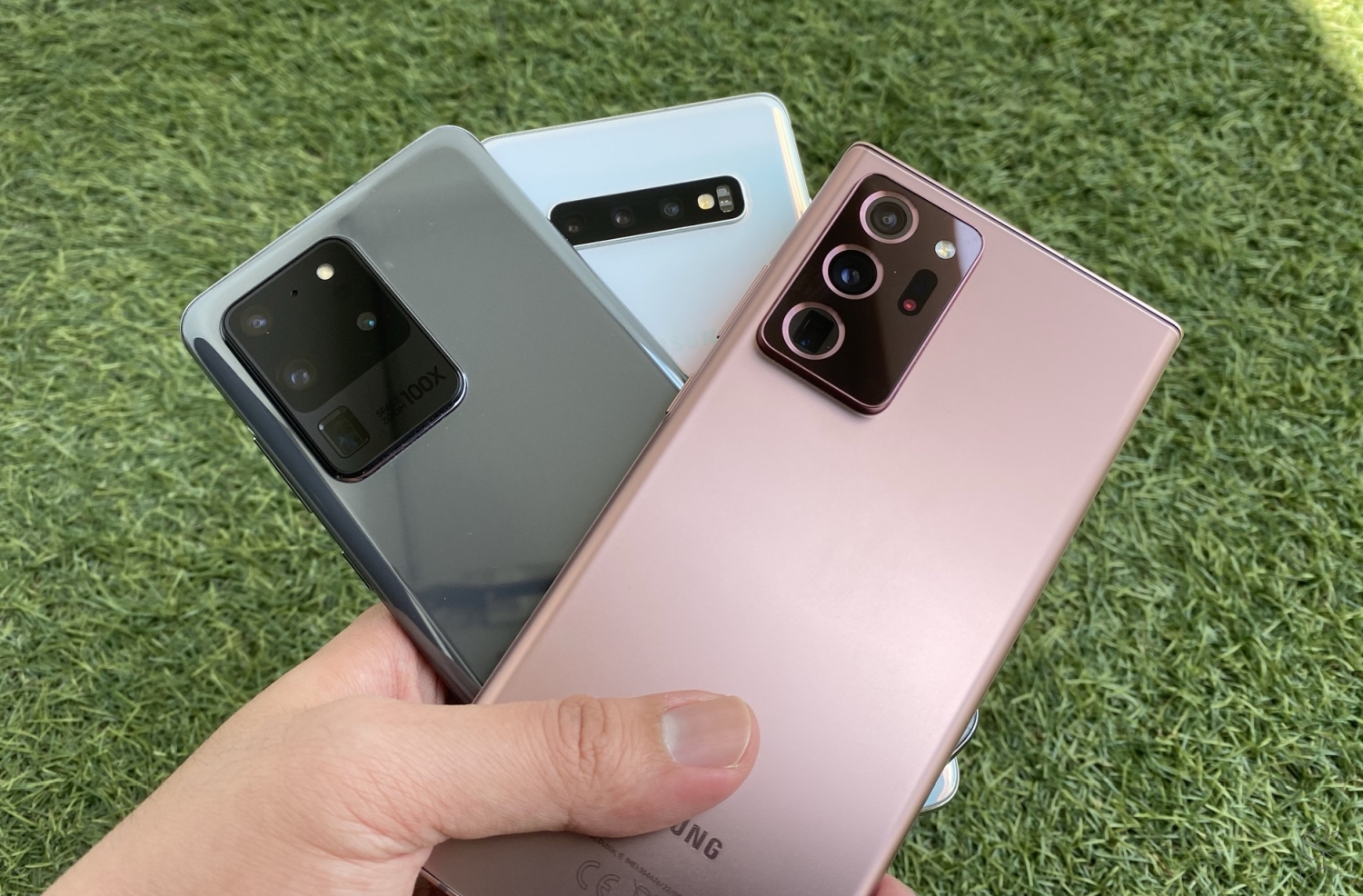
Unfortunately, the offline finding feature only appears to work in the U.S. and South Korea. Perhaps this is due to regulations, or perhaps Samsung is testing out the feature before a global rollout—regardless, it’s a feature that could come in handy for those of you who regularly lose your mobile devices.

There may also be privacy concerns on the ability to track a device’s location, even if said device is offline. However, Samsung has a decent track record with security, with Samsung Knox being an example of the company’s efforts to provide top-notch security on its mobile devices.

So, what do you think? Let us know in the comments section below.

[ SOURCE ]

Tags: Find My MobileMobileSamsung
Nic Ker

Nic Ker

POPULAR

JPJePlate: Is the Malaysian flag printed wrongly on EV plates?

December 12, 2025

sooka’s Gilerrr Streaming Challenge Draws 273 Participants, Clinches Malaysia Book of Records Title

December 5, 2025

Samsung’s updated “Find My Mobile” app can now locate offline Galaxy phones

August 25, 2020

U Mobile Unbeatable Phone Sale: Travel with FREE Global Roaming Across 60+ Destinations

December 10, 2025

Perodua Traz: B-segment SUV with 1.5L engine and 471L boot, priced from RM76,100

December 17, 2025

Why have Malaysia’s 5G download speeds declined?

December 16, 2025

Copyright © 2025 · SoyaCincau.com
Mind Blow Sdn Bhd (1076827-P)

  • ADVERTISE
  • DISCLAIMER

Copyright © 2025 · SoyaCincau.com – Mind Blow Sdn Bhd (1076827-P)

  • ADVERTISE
  • DISCLAIMER