• 中文版
  • BM
  • News
  • Deals
  • Reviews
    • First Impressions
    • Hands-on
    • Comparisons
  • Tech
    • Mobile
    • Computers
    • Cameras
    • Wearables
    • Audio
    • Drones
  • Telco
    • Celcom
    • Digi
    • Maxis
    • Time
    • Tune Talk
    • U Mobile
    • Unifi
    • Yes
  • Cars
  • Contribute
  • Jobs
Menu
  • 中文版
  • BM
  • News
  • Deals
  • Reviews
    • First Impressions
    • Hands-on
    • Comparisons
  • Tech
    • Mobile
    • Computers
    • Cameras
    • Wearables
    • Audio
    • Drones
  • Telco
    • Celcom
    • Digi
    • Maxis
    • Time
    • Tune Talk
    • U Mobile
    • Unifi
    • Yes
  • Cars
  • Contribute
  • Jobs
Search
  • Tech
    • News
    • Mobile
    • Computers
    • Cameras
    • Wearables
    • Audio
    • Drones
  • Telco
    • Celcom
    • Digi
    • Maxis
    • Time
    • U Mobile
    • Unifi
    • Yes
  • Reviews
    • First Impressions
    • Hands-on
    • Comparisons
  • Buyer’s Guide
  • Opinions
  • Digital Life
  • Video
  • Deals
  • How-To
  • Cars
  • Bahasa Melayu
  • EV
  • Contribute
  • Advertise
Menu
  • Tech
    • News
    • Mobile
    • Computers
    • Cameras
    • Wearables
    • Audio
    • Drones
  • Telco
    • Celcom
    • Digi
    • Maxis
    • Time
    • U Mobile
    • Unifi
    • Yes
  • Reviews
    • First Impressions
    • Hands-on
    • Comparisons
  • Buyer’s Guide
  • Opinions
  • Digital Life
  • Video
  • Deals
  • How-To
  • Cars
  • Bahasa Melayu
  • EV
  • Contribute
  • Advertise
Search
Close
Home Digital Life

Microsoft Teams: Your chosen background effect will stay until you change it

  • BY Dzamira Dzafri
  • 19 August 2020
  • 11:36 am
  • Comment
Share on FacebookShare on Twitter

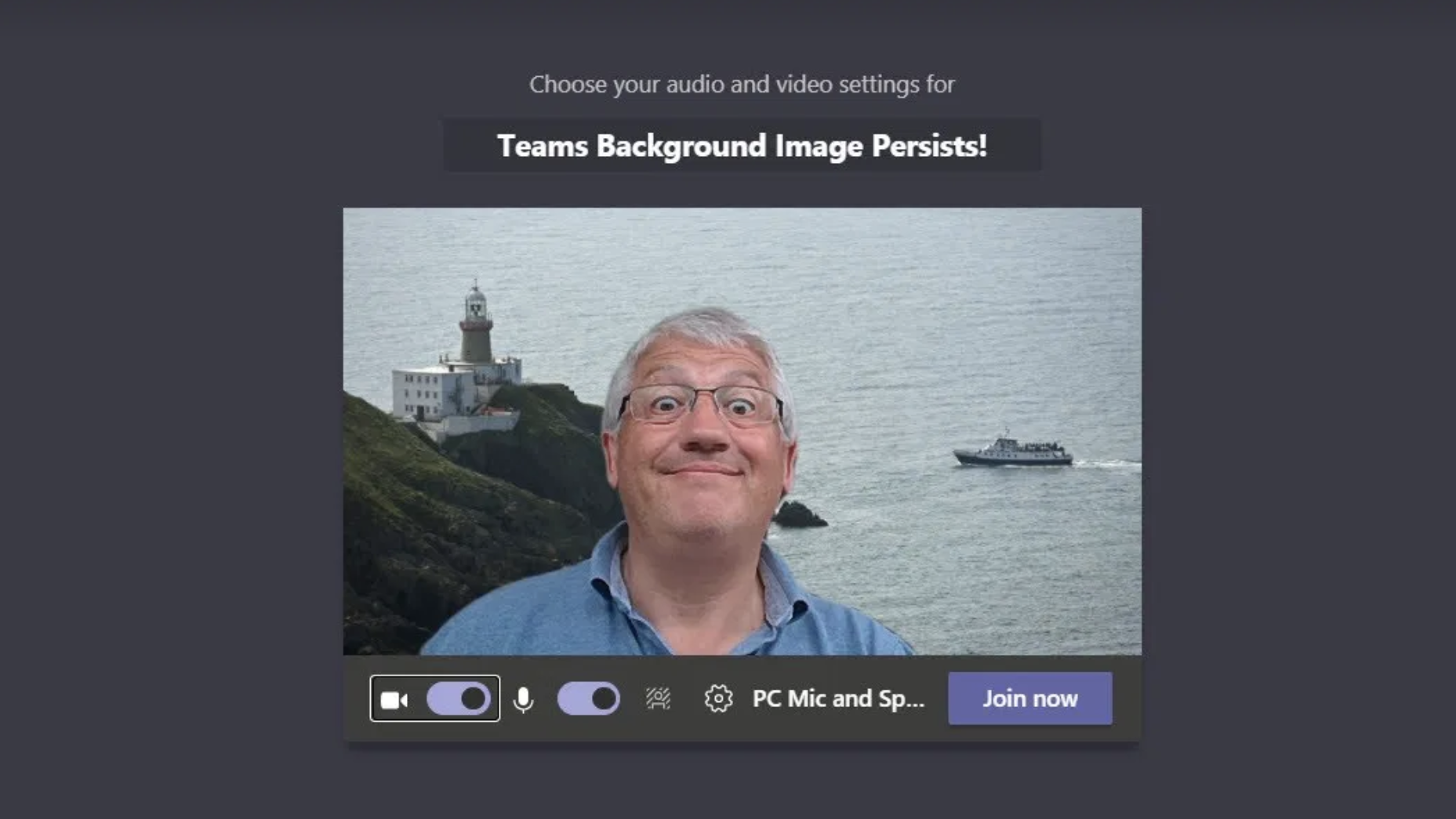
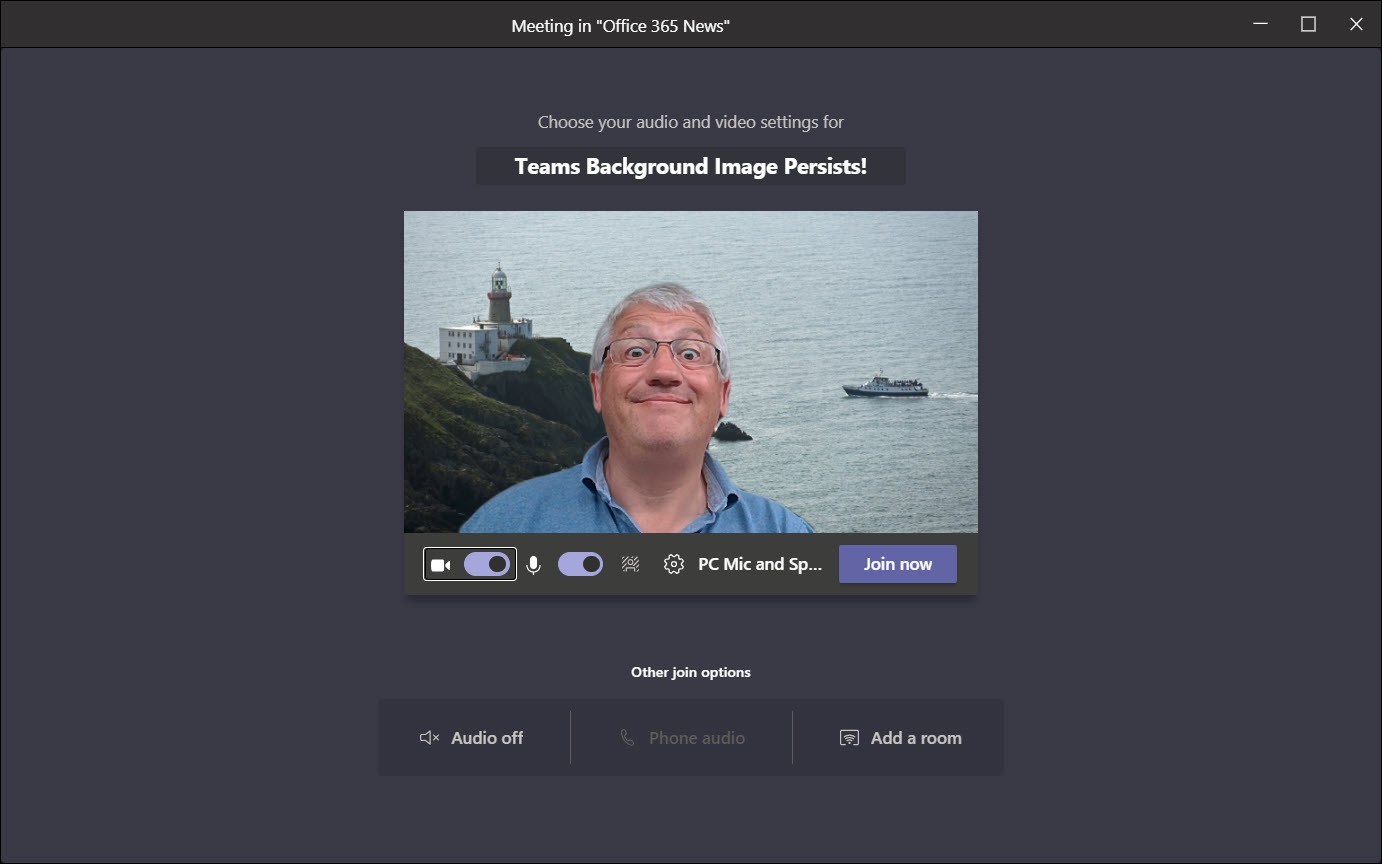
Microsoft Teams announced that they will now allow users to keep a default virtual background for meetings until users decide to change it. This is a great feature for users who prefer using their own virtual background for almost every video meeting.

“I’m happy to share that the default background feature is live. The background you choose will now persist in all of your meetings and calls, until you decide to change it,” said Microsoft’s Alex Olsen.

In Microsoft Teams meetings, you have usually been able to change your background images to a set of curated images, custom pictures or add a blur effect to remove any clutter behind you. The new update keeps track of the chosen background and applies it automatically to all future meetings, until you change your mind.
Source: Office 365 for IT Pros

To take advantage of the feature, it is important to download and install the latest version of Microsoft Teams. Click here to download the desktop version, here for iOS and here for Android.

“Something like this is a small but important detail that helps users. It’s evidence of better fit and finish appearing in the Teams client. There’s more work to be done, but hopefully the changes made are as good as this one,” wrote Tony Redmond in the Office 365 for IT Pros site.

So far, other video conferencing platforms like Zoom and Skype have not yet added the same feature. But a small but effective addition like this might be more of a needed staple as we continue having more video call meetings during the COVID-19 pandemic.

[ SOURCE, IMAGE SOURCE ]

Related reading

Guide: Which video call apps are safe to use?
Tags: Background effectmicrosoftMicrosoft Teams
Dzamira Dzafri

Dzamira Dzafri

POPULAR

Upgraded To a New Phone? Cool. But When Was the Last Time you Upgraded your Shaver?

November 10, 2025

Solar ATAP: The new solar programme for consumers will only start in 2026

December 2, 2025

5 Reasons Every Home Should Have a Smart Security System

November 11, 2025

Microsoft Teams: Your chosen background effect will stay until you change it

August 19, 2020
Perodua QV-E EV

Perodua QV-E is now official: Electric sportback with 201hp, 445km NEDC range, priced at RM80k not inclusive of battery subscription

December 1, 2025

GrabRewards is now GrabCoins: Now with even more ways to earn and save

November 17, 2025

Copyright © 2025 · SoyaCincau.com
Mind Blow Sdn Bhd (1076827-P)

  • ADVERTISE
  • DISCLAIMER

Copyright © 2025 · SoyaCincau.com – Mind Blow Sdn Bhd (1076827-P)

  • ADVERTISE
  • DISCLAIMER