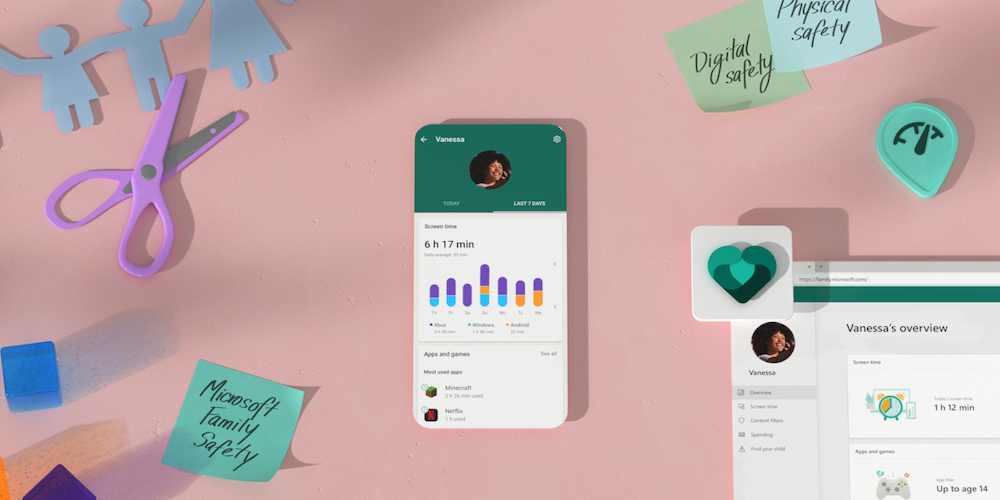
Microsoft announces their Microsoft Family Safety app (iOS, Android), designed to allow families to manage screen time and app usage. This is especially appealing to families as many would worry about kids’ online safety.
“Kids have access to more information and endless ways to connect with other people. This can be scary for parents. As a mom, I seek to give my kids the independence to learn and grow whilst ensuring that they are also safe online and in the real world,” said Liat Ben-Zur, Corporate Vice President of Modern Life, Search, and Devices at Microsoft.
What you can do with Microsoft Family Safety
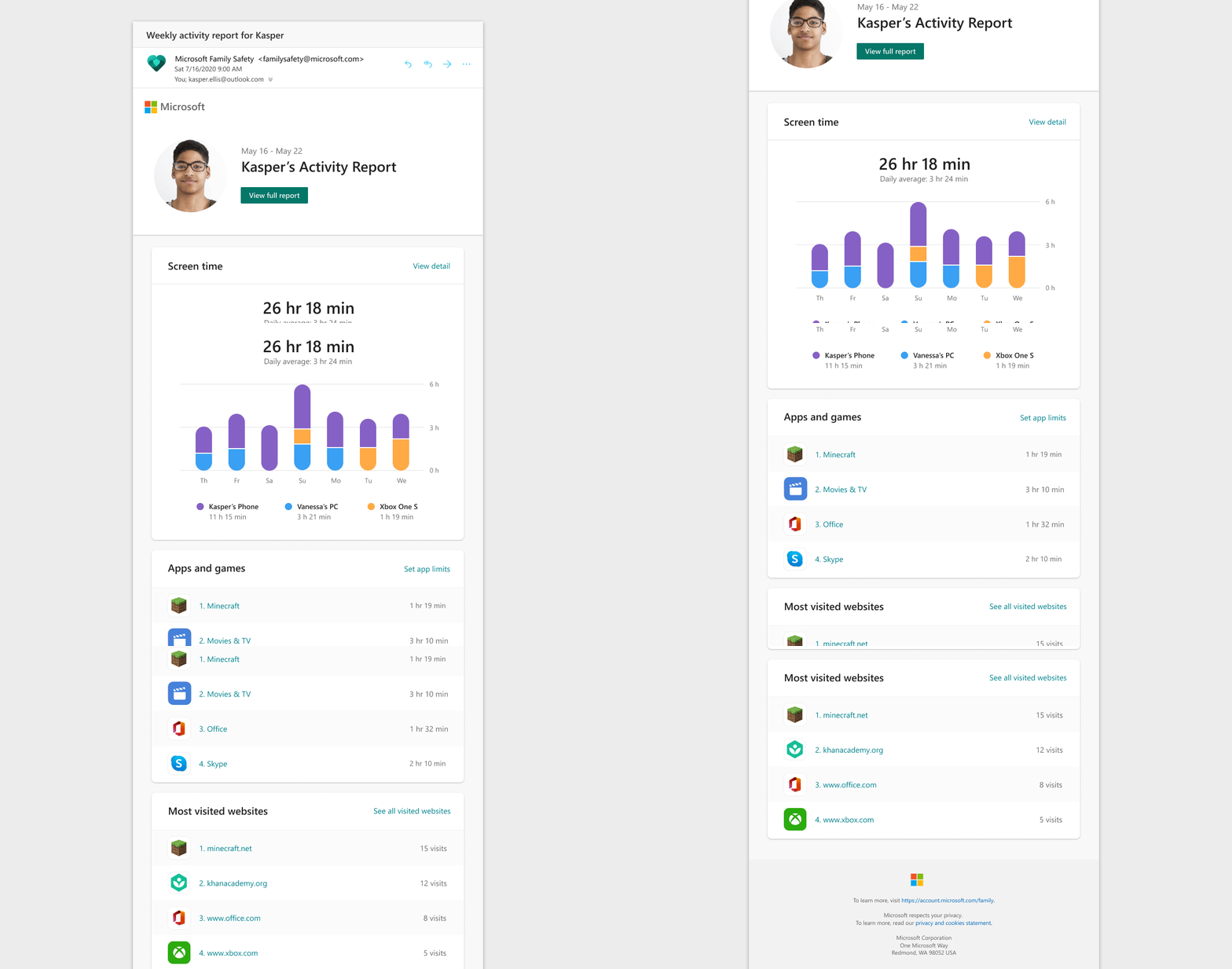
Parents and kids receive an email every week with highlights of the child’s digital activity. You can check on things like how long your kid has been playing Minecraft for, to what websites they’ve visited, to a daily average of their screen time.
With being able to check on web searches, you can use web and search filters to block adult content and set browsing to kid-friendly websites. Specific apps can also be fully blocked.
Family Safety also has the ability to set app and game screen time limits for the family. And you can also give your kids more screen time if they run out and if they request for additional time.
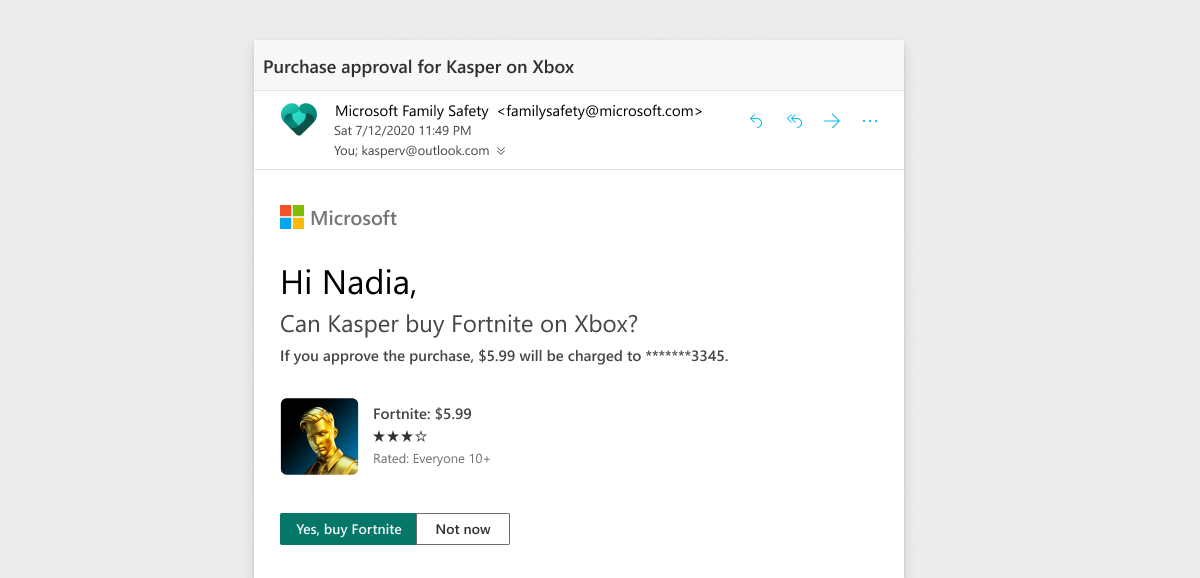
To avoid things like surprise purchases your kids make for things like games and in-app purchases, you can get an email request before one of your kids can purchase something from the Microsoft Store. However, this can’t work yet with other stores like Apple’s App Store.
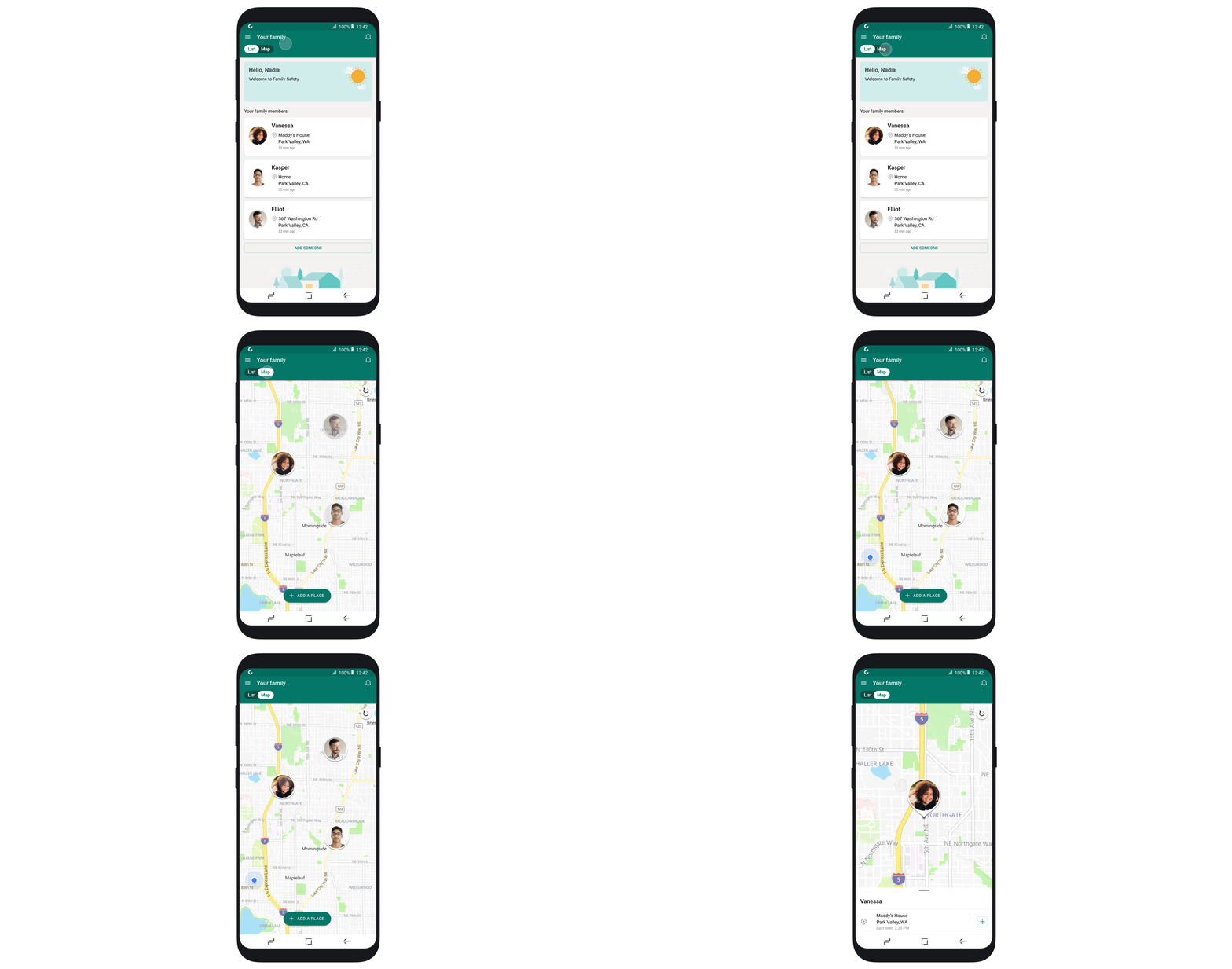
And while MCO restrictions are becoming more lenient, Family Safety can help you see each of your family members’ last known location on a map. You’ll also be able to save favourite locations like ‘home’ to see, at a glance, that everyone is safe and sound.
As helpful as Microsoft Family Safety is, it is not yet fully workable with all devices. You can download the Family Safety app if you are on both iOS and Android, but the app will only sync across Windows, Xbox, and Android. Most of these screen time and content filters are also limited to Android on the mobile side, but Microsoft says it’s working on bringing them to iPhones, as well.
As for the web filters, they would only work across the Microsoft’s Edge browser on Windows, Xbox, and Android—so that’s also a big limitation. Do be aware of these, as well as the previously mentioned limitation for you getting email notifications only when your kid tries to buy something off the Microsoft Store.
Still, this is a great start for having more control over how your kids spend their time online, and a terrible future for your kids’ internet freedom. You can try out the Microsoft Family Safety app here for iOS, and here for Android.