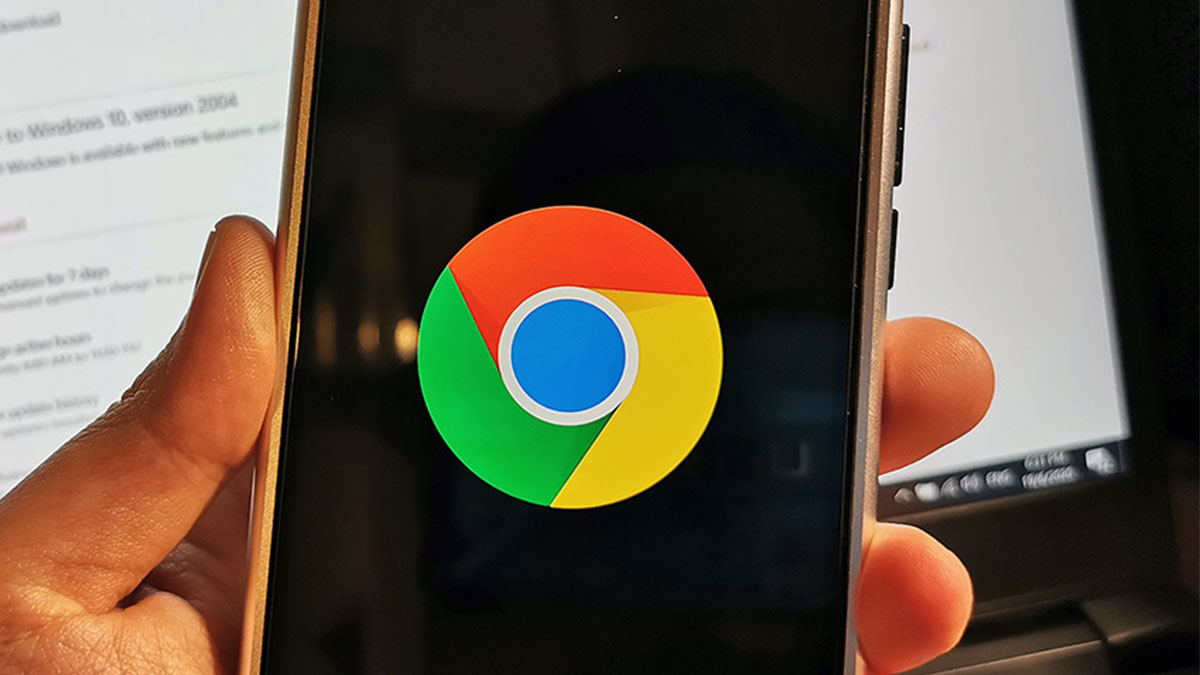
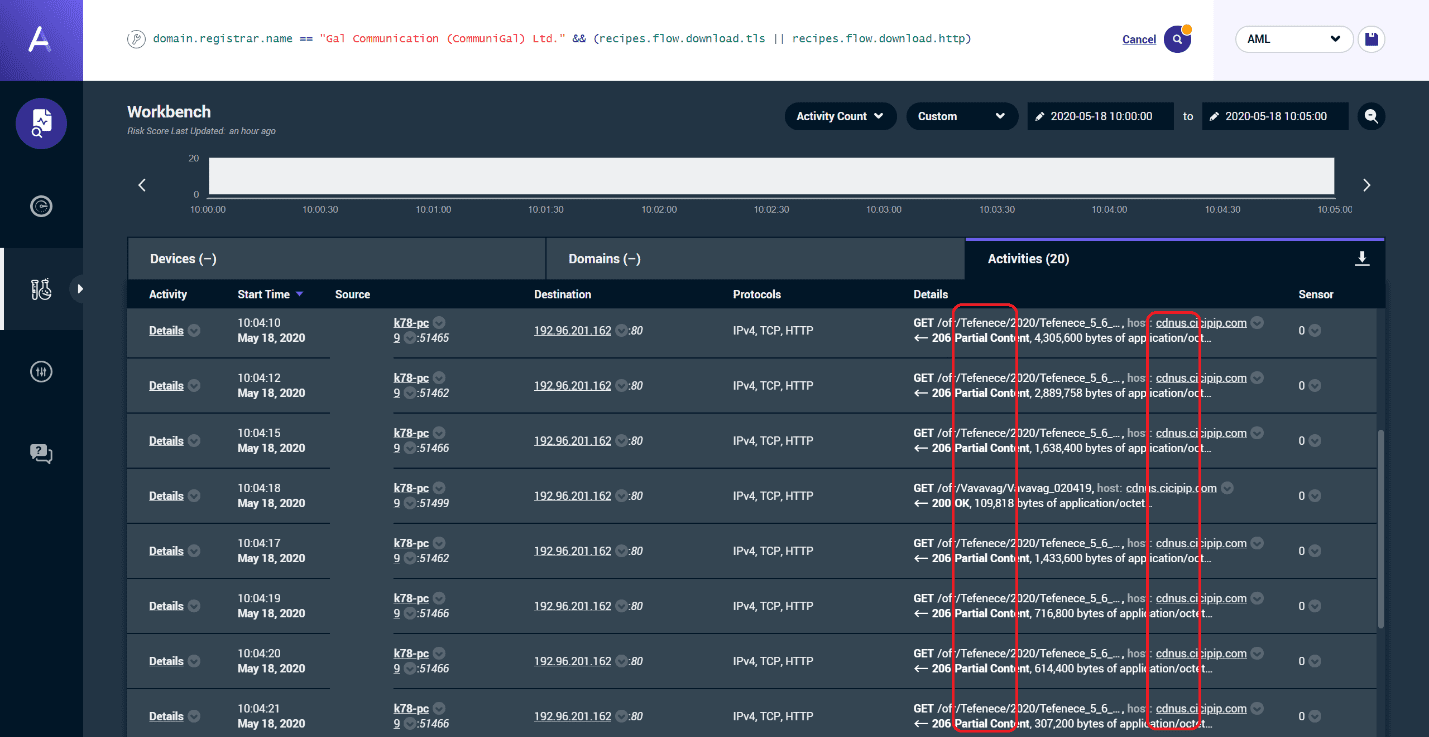
A new report from cybersecurity firm Awake Security has revealed a “massive, criminal surveillance campaign” that works via Google Chrome extensions. The attacks have been traced to a single Internet Domain Registrar: CommuniGal Communication Ltd (GalComm).
Over 60 percent of GalComm’s owned web domains are affected, with malware and browser-based surveillance tools hosted. What’s also worrying is that 111 malicious extensions for popular browser Google Chrome utilise GalComm domains—these reportedly have the capabilities to take screenshots, read the clipboard, steal information from cookies and parameters, and even log keystrokes on victims’ devices.
The report also says that 32,962,951 downloads of these extensions have already been made via the Chrome Web Store, and that number could be even higher if you take into account those that have been installed manually.
“After analysing more than 100 networks across financial services, oil and gas, media and entertainment, healthcare and pharmaceuticals, retail, high-tech, higher education and government organisations, Awake discovered that the actors behind these activities have established a persistent foothold in almost every network.”
What extensions do I need to delete?
Awake Security shared a full list of IDs of the Chrome extensions you should download here. That list has been cleaned up (duplicates, errors) by the folks over at Life Hacker as per below:
- browse-safer
- browsing-protector
- browsing-safety-checker
- bytefence-secure-browsing
- convertwordtopdf
- doctopdf
- easyconvert
- easyconvertdefault-search
- gofiletopdf
- mydocstopdf
- pdf2doc
- pdf-ninja-converter
- pdf-opener
- quicklogin
- quickmail
- search-by-convertfilenow
- search-by-convertpdfpro
- search-manager
- secured-search-extension
- secure-web-searching
- securify-for-chrome
- thedocpdfconverter
- theeasywaypro
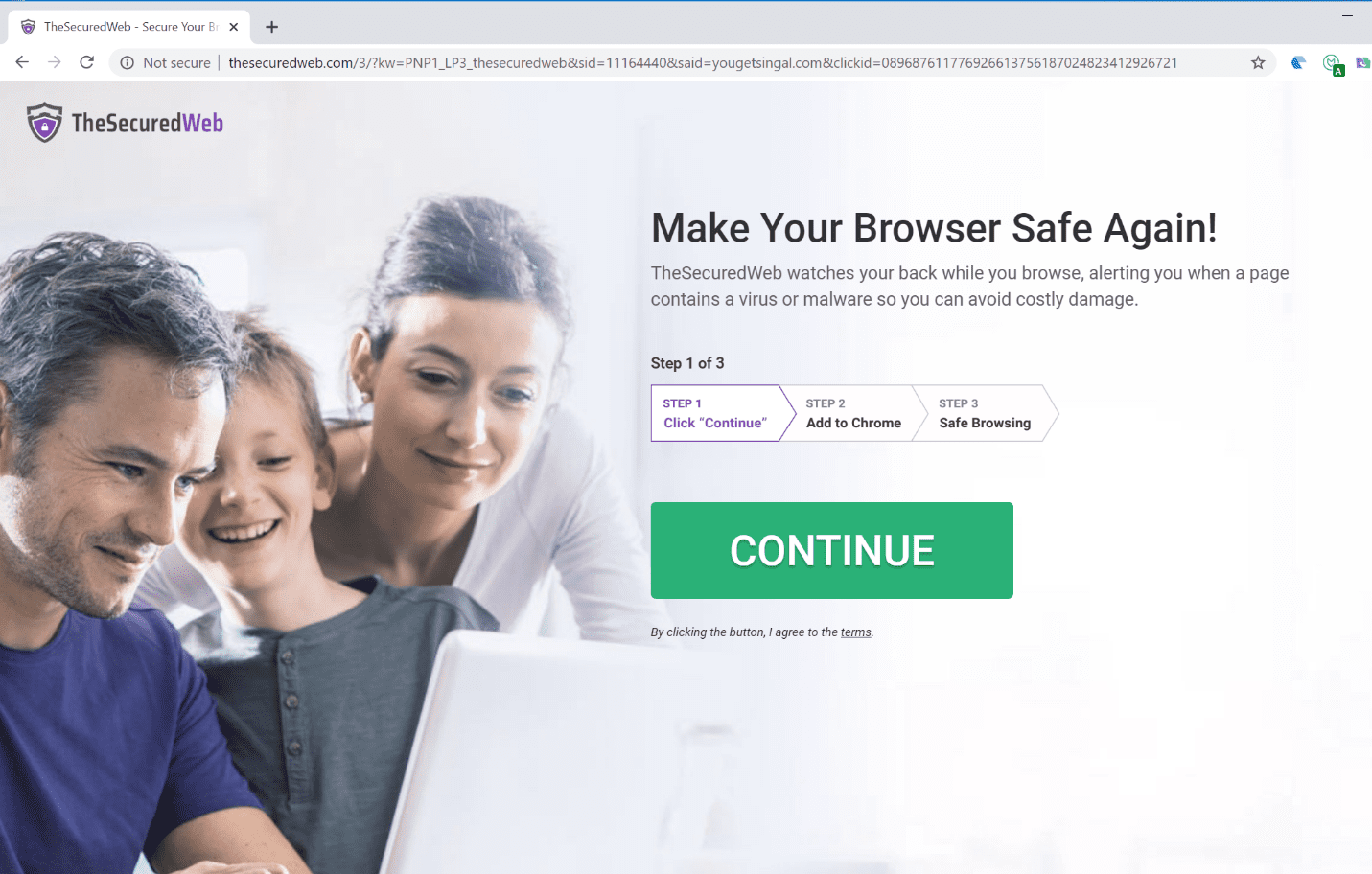
- thesecuredweb-protected-b
- ttab
- viewpdf
To remove the offending extensions, open your Google Chrome browser, and click on Window > Extensions.
The extensions that were available on the Chrome Web Store have since been removed by Google thanks to Awake Security’s report, although any sideloaded (manually installed from other sources) versions could still be out there, infecting more machines.
To stay safe from malware campaigns such as these, it’s important to only download anything from trusted sources. While it’s worrying that the malicious extensions even made it onto Google’s official store, a good piece of advice is to stick to extension publishers that you trust.
You can also do a quick Google Search for publishers to confirm their authenticity. In the Chrome store, you can also choose to filter extensions so that only those that are “By Google” are displayed. Meanwhile, do keep an eye out for any permission requests, and delete extensions that prompt you for suspicious permissions such as reading your clipboard.
To read Awake Security’s full report, click here.