• 中文版
  • BM
  • News
  • Deals
  • Reviews
    • First Impressions
    • Hands-on
    • Comparisons
  • Tech
    • Mobile
    • Computers
    • Cameras
    • Wearables
    • Audio
    • Drones
  • Telco
    • Celcom
    • Digi
    • Maxis
    • Time
    • Tune Talk
    • U Mobile
    • Unifi
    • Yes
  • Cars
  • Contribute
  • Jobs
Menu
  • 中文版
  • BM
  • News
  • Deals
  • Reviews
    • First Impressions
    • Hands-on
    • Comparisons
  • Tech
    • Mobile
    • Computers
    • Cameras
    • Wearables
    • Audio
    • Drones
  • Telco
    • Celcom
    • Digi
    • Maxis
    • Time
    • Tune Talk
    • U Mobile
    • Unifi
    • Yes
  • Cars
  • Contribute
  • Jobs
Search
  • Tech
    • News
    • Mobile
    • Computers
    • Cameras
    • Wearables
    • Audio
    • Drones
  • Telco
    • Celcom
    • Digi
    • Maxis
    • Time
    • U Mobile
    • Unifi
    • Yes
  • Reviews
    • First Impressions
    • Hands-on
    • Comparisons
  • Buyer’s Guide
  • Opinions
  • Digital Life
  • Video
  • Deals
  • How-To
  • Cars
  • Bahasa Melayu
  • EV
  • Contribute
  • Advertise
Menu
  • Tech
    • News
    • Mobile
    • Computers
    • Cameras
    • Wearables
    • Audio
    • Drones
  • Telco
    • Celcom
    • Digi
    • Maxis
    • Time
    • U Mobile
    • Unifi
    • Yes
  • Reviews
    • First Impressions
    • Hands-on
    • Comparisons
  • Buyer’s Guide
  • Opinions
  • Digital Life
  • Video
  • Deals
  • How-To
  • Cars
  • Bahasa Melayu
  • EV
  • Contribute
  • Advertise
Search
Close
Home Digital Life

Google’s Art Transfer can turn your photos into famous paintings

  • BY Dzamira Dzafri
  • 6 April 2020
  • 11:40 am
  • Comment
Share on FacebookShare on Twitter

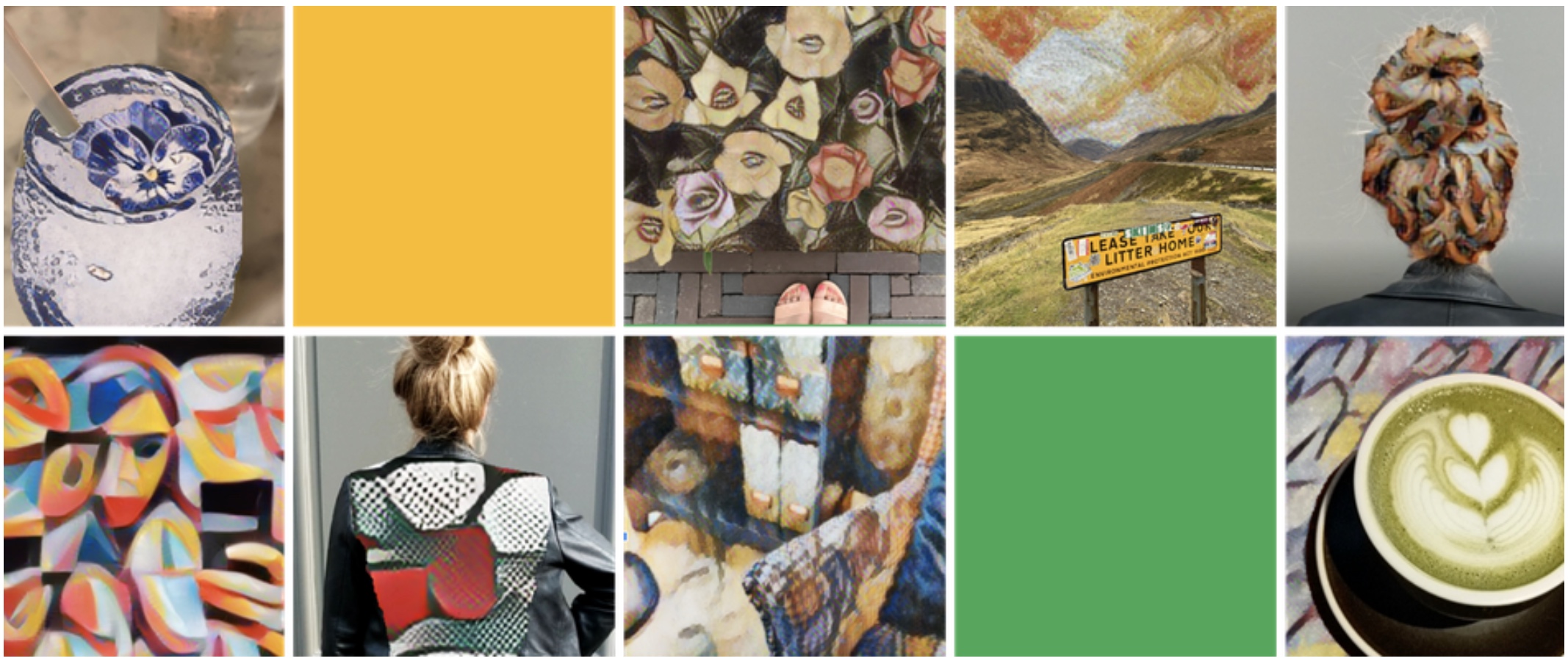
There are a few new updates through apps that help you pass time during this extended MCO, but the “Art Transfer” feature on Google’s Arts & Culture app can help turn your own photos into new works of art, based on the paintings of your favourite artists.

You can start the process by going through these steps:

  • Download the Google Arts & Culture app (Android, iOS)
  • Open the camera menu in the Arts & Culture app, and select “Art Transfer”
  • Take or upload a photo
  • Choose what style you want to apply to your image
  • For more customisation, you can use the scissors icon to select which part of the image you want the style applied to. 
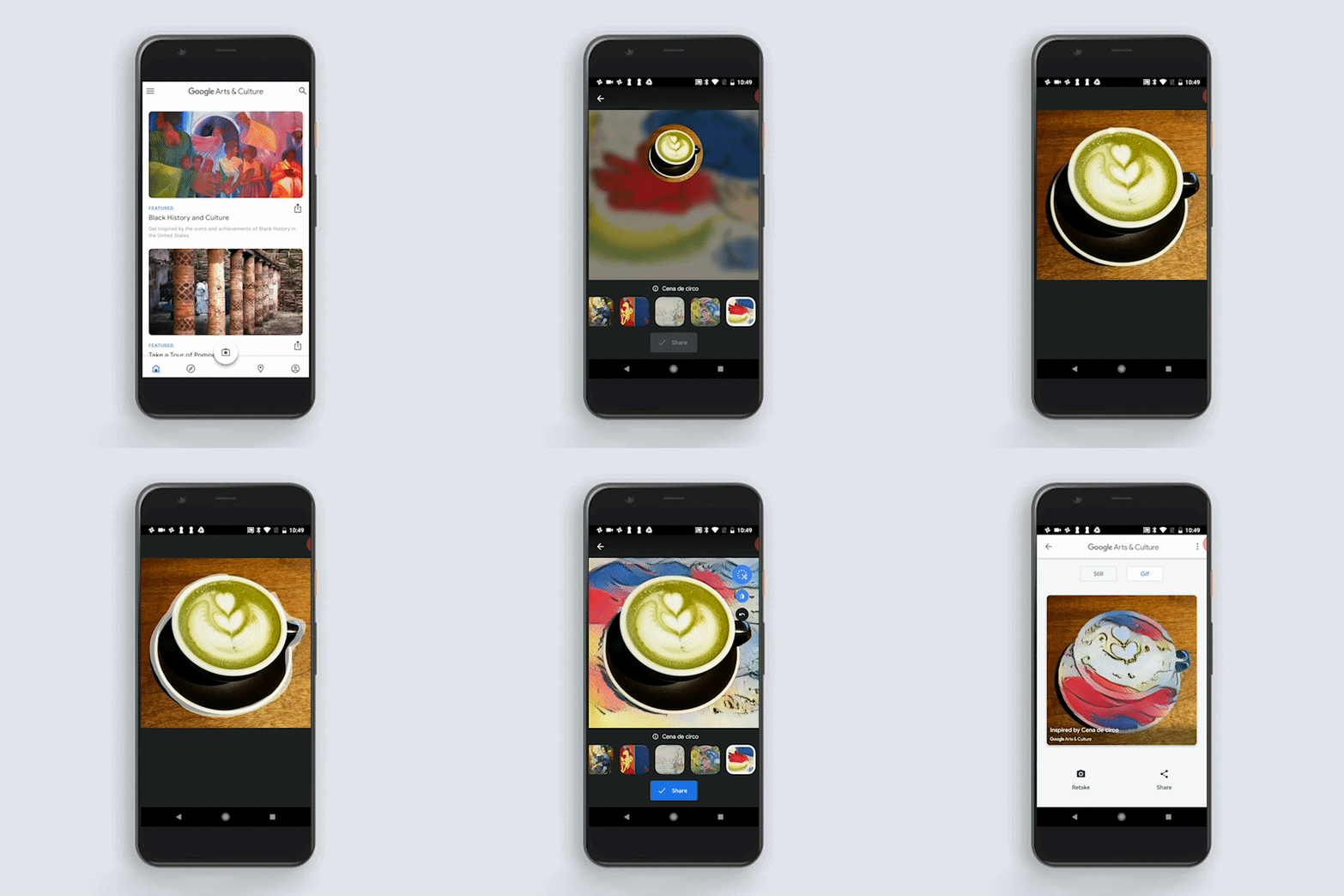
GIF source: Google

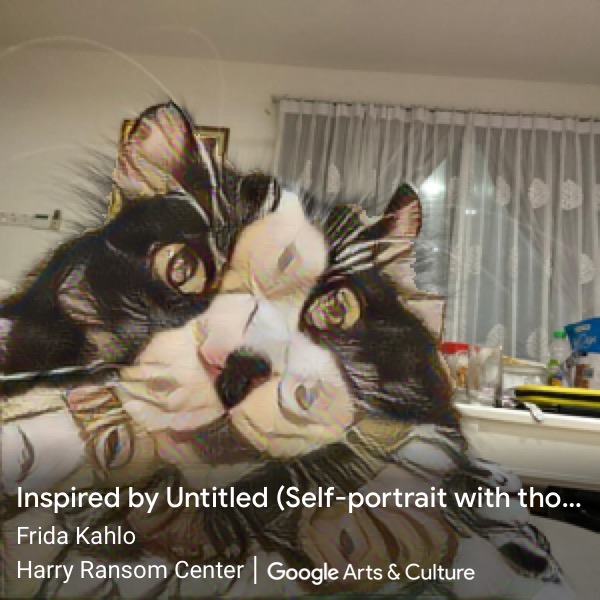
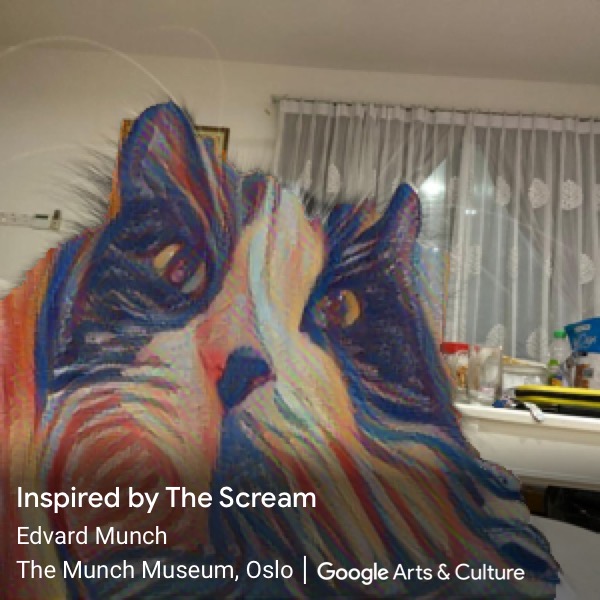
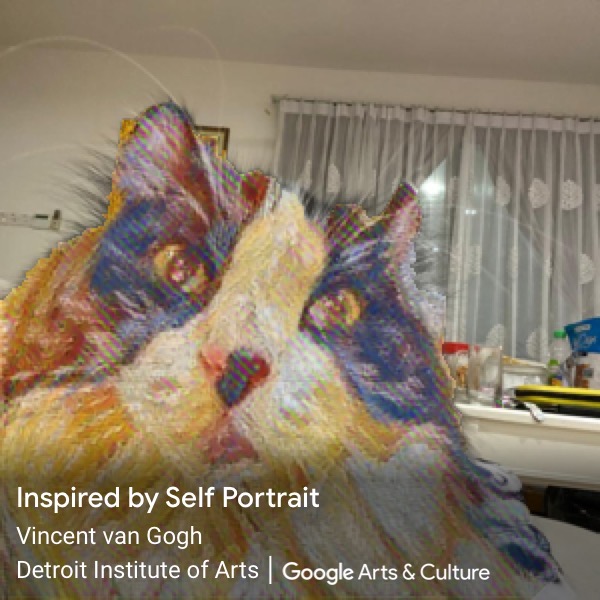
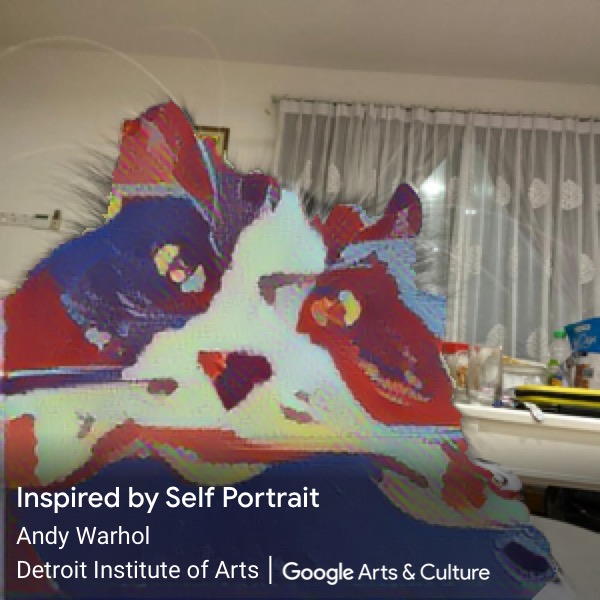
There are currently 23 different art styles available to choose from, but to help show a few examples, I have used the process on a photo of my cat, Batbat.
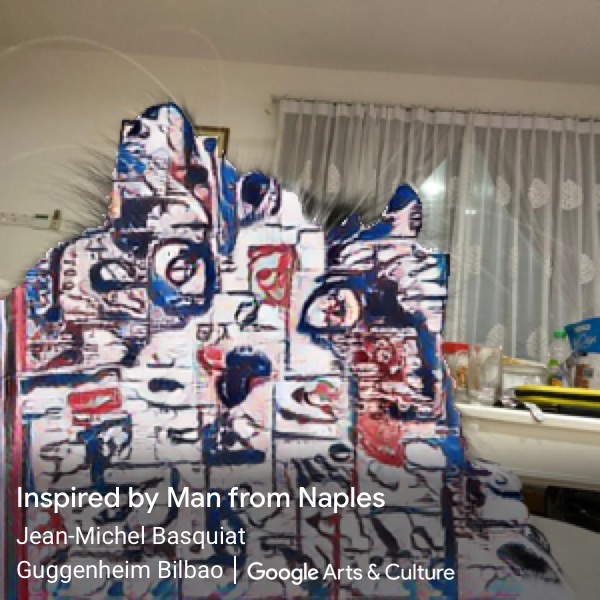
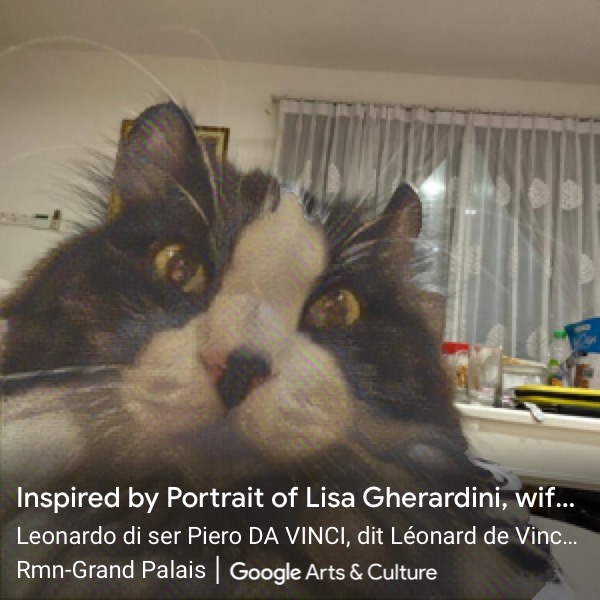
There is also an inverse option where you can press the teardrop icon to have the background have the effect instead (seen below).
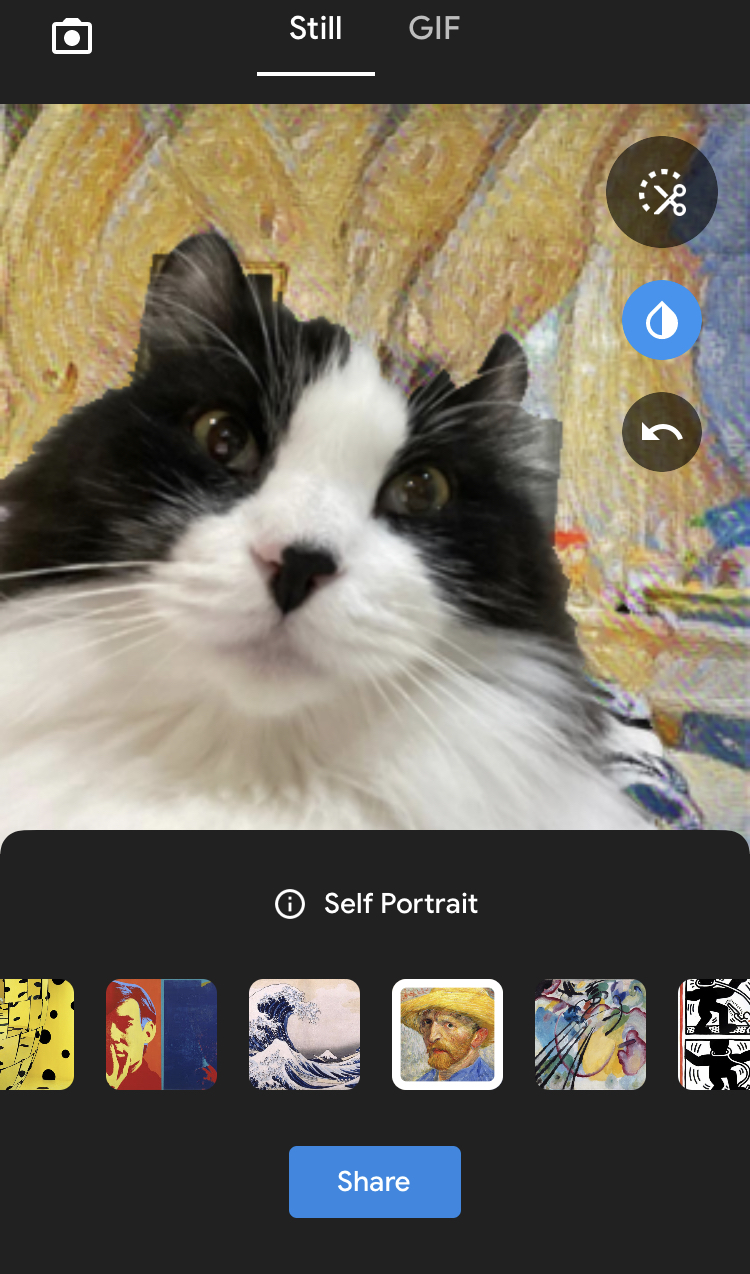
While waiting for the app to process your image into an art style, you also get handy info on the art style and artist.

“Artificial intelligence in particular can be a powerful tool not just in the hands of artists, but also as a way for people to experience and learn about art in new ways,” writes Product Manager of the Arts & Culture app Michelle Luo in their blog.

It’s also important to note that with Art Transfer, the process happens right on your device without the help of the cloud or your image being processed online.

The Arts & Culture app has been available since 2016. Besides the impressive catalog of artwork, artists and art history, the app’s selfie-matching feature, which let you compare your face to famous works of art, was a huge hit in 2018.
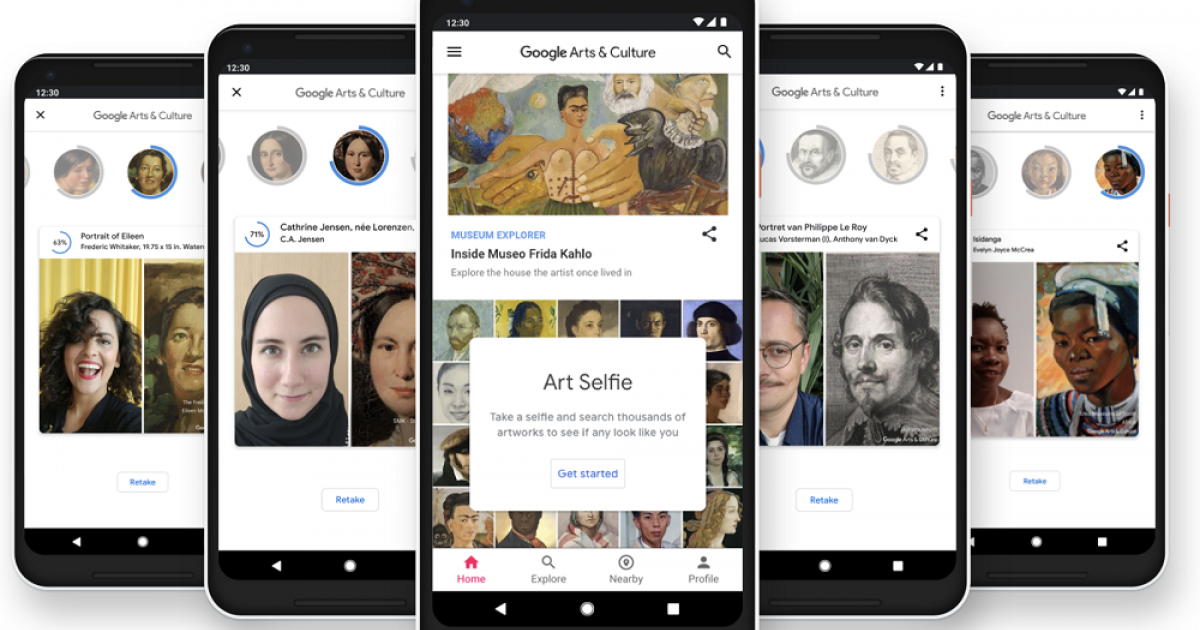
Image source: Google

“We are curious to see what you will create with a little help of AI and hope it will bring a small piece of joy to you in this challenging time,” writes Luo.

There is also a recent viral hit where an AI artist called AI Gahaku can generate new masterpieces from your selfies, based on famous artworks. It was developed by Japanese full-stack developer Sato, and he also notes that photos sent to the server will be automatically deleted. However, only pictures of people’s faces are able to be detected.


Tags: Art TransferArts & Culturegoogle
Dzamira Dzafri

Dzamira Dzafri

POPULAR

Upgraded To a New Phone? Cool. But When Was the Last Time you Upgraded your Shaver?

November 10, 2025

5 Reasons Every Home Should Have a Smart Security System

November 11, 2025

Solar ATAP: The new solar programme for consumers will only start in 2026

December 2, 2025

Google’s Art Transfer can turn your photos into famous paintings

April 6, 2020
Perodua QV-E EV

Perodua QV-E is now official: Electric sportback with 201hp, 445km NEDC range, priced at RM80k not inclusive of battery subscription

December 1, 2025

GrabRewards is now GrabCoins: Now with even more ways to earn and save

November 17, 2025

Copyright © 2025 · SoyaCincau.com
Mind Blow Sdn Bhd (1076827-P)

  • ADVERTISE
  • DISCLAIMER

Copyright © 2025 · SoyaCincau.com – Mind Blow Sdn Bhd (1076827-P)

  • ADVERTISE
  • DISCLAIMER