• 中文版
  • BM
  • News
  • Deals
  • Reviews
    • First Impressions
    • Hands-on
    • Comparisons
  • Tech
    • Mobile
    • Computers
    • Cameras
    • Wearables
    • Audio
    • Drones
  • Telco
    • Celcom
    • Digi
    • Maxis
    • Time
    • Tune Talk
    • U Mobile
    • Unifi
    • Yes
  • Cars
  • Contribute
  • Jobs
Menu
  • 中文版
  • BM
  • News
  • Deals
  • Reviews
    • First Impressions
    • Hands-on
    • Comparisons
  • Tech
    • Mobile
    • Computers
    • Cameras
    • Wearables
    • Audio
    • Drones
  • Telco
    • Celcom
    • Digi
    • Maxis
    • Time
    • Tune Talk
    • U Mobile
    • Unifi
    • Yes
  • Cars
  • Contribute
  • Jobs
Search
  • Tech
    • News
    • Mobile
    • Computers
    • Cameras
    • Wearables
    • Audio
    • Drones
  • Telco
    • Celcom
    • Digi
    • Maxis
    • Time
    • U Mobile
    • Unifi
    • Yes
  • Reviews
    • First Impressions
    • Hands-on
    • Comparisons
  • Buyer’s Guide
  • Opinions
  • Digital Life
  • Video
  • Deals
  • How-To
  • Cars
  • Bahasa Melayu
  • EV
  • Contribute
  • Advertise
Menu
  • Tech
    • News
    • Mobile
    • Computers
    • Cameras
    • Wearables
    • Audio
    • Drones
  • Telco
    • Celcom
    • Digi
    • Maxis
    • Time
    • U Mobile
    • Unifi
    • Yes
  • Reviews
    • First Impressions
    • Hands-on
    • Comparisons
  • Buyer’s Guide
  • Opinions
  • Digital Life
  • Video
  • Deals
  • How-To
  • Cars
  • Bahasa Melayu
  • EV
  • Contribute
  • Advertise
Search
Close
Home Digital Life

Now you can check your physical Touch ‘n Go card balance on your smartphone

  • BY Alexander Wong
  • 24 August 2018
  • 10:51 am
  • Comment
Share on FacebookShare on Twitter

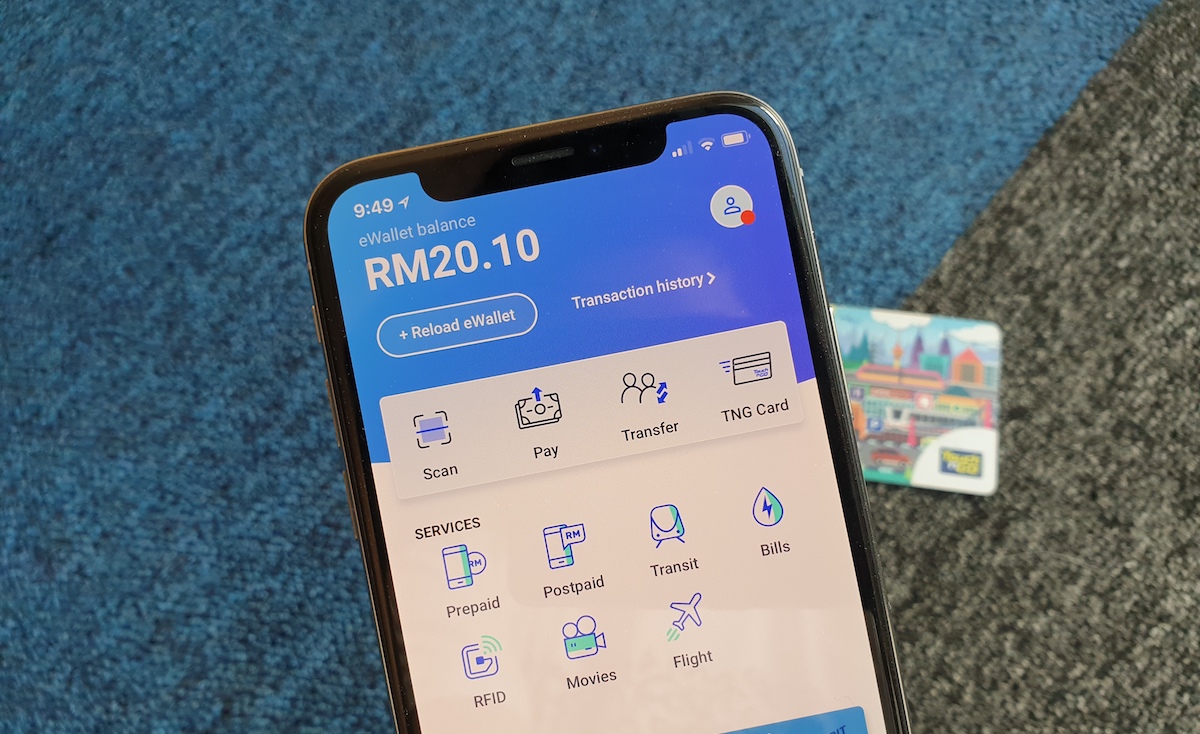
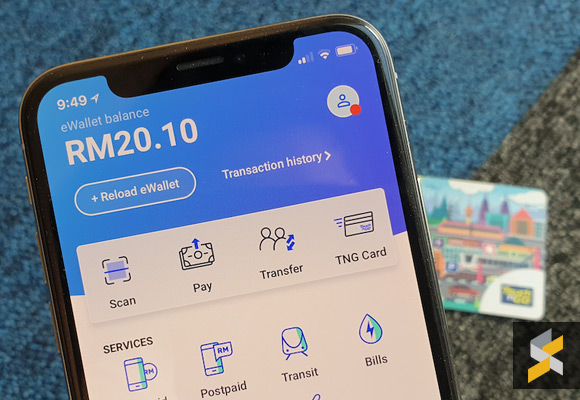
Touch ‘n Go has just updated its e-wallet app with a refreshed user interface and you can also add in your physical Touch ‘n Go card. If you own multiple cards, you can keep track of your current card balances in a single app.
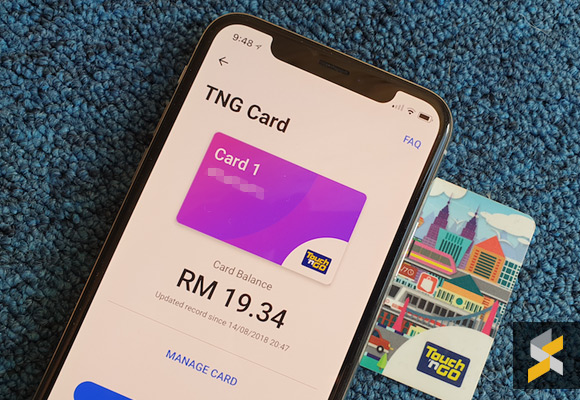
You can add up to a total of 3 Touch ‘n Go cards by entering the 10 digit serial number that can be found at the back of each card. Unfortunately, it doesn’t support auto-reload (Zing) and Fleet cards at the moment. If you’re using your IC as a Touch n’ Go card, you can find the serial number in the receipt slip that’s generated after performing a top up.
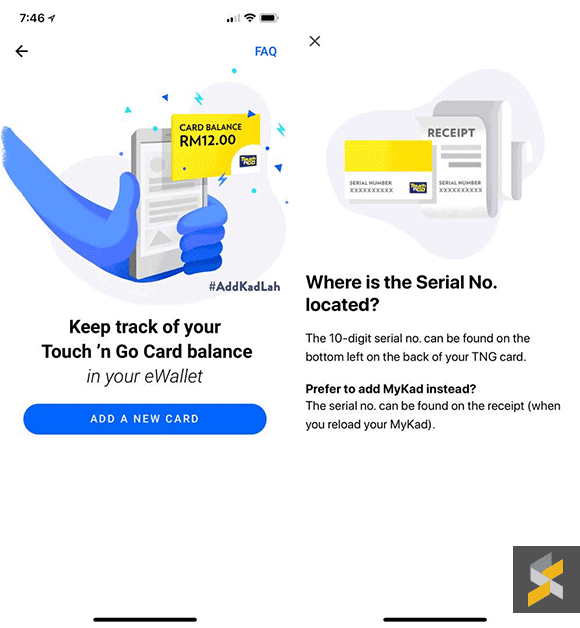
In terms of functionality, you can only view balances at the moment and you can’t use the app to top up your physical TNG card or to transfer credit between cards. The balance amount isn’t updated in real time and we are told that there’s a one-day delay. You can see the timestamp of the last update in the app under each card. According to the FAQ, toll payments will only be recorded within 48 hours from the time of the actual transaction.

Under its FAQ for card removals, it was mentioned that all pending transactions from TNG cards have to be settled first before removing the TNG card from the eWallet. This could be a clue that Touch ‘n Go might allow you to make eWallet payments directly from your physical card in the near future.

In case you missed it, TNG is still running a QR Transit trial where you can use your eWallet to pay for LRT rides at selected stations. Another new feature that’s coming is RFID which will be used to replace the current SmartTAG system. Instead of having a physical card terminal in your vehicle, all you’ll need is just an RFID sticker on your car and your highway toll payments will be deducted directly from your eWallet.

The Touch ‘n Go eWallet is currently available on both Android and iOS.

Tags: cashlessCheck Touch n Go balanceewalletMobile WalletTouch n GoTouch n Go appTouch n Go cardTouch n Go physical cardTouch N Go wallettouch n go wallet app
Alexander Wong

Alexander Wong

POPULAR

Now you can check your physical Touch ‘n Go card balance on your smartphone

August 24, 2018

Malaysia’s first 5g advanced Broadband: What You Get for RM68/month

January 14, 2026

MITI officially sets RM250,000 as the minimum price for CBU EVs in Malaysia

January 21, 2026

AI in Smartphone Photography: How Intelligent Software is Reshaping the Way We Capture Moments

December 31, 2025

Here’s How Samsung Galaxy AI Can Help Change the Way You Work

December 30, 2025

Import duty for China EVs is only 5%: Up to 30% for CBU EVs from other countries

January 20, 2026

Copyright © 2025 · SoyaCincau.com
Mind Blow Sdn Bhd (1076827-P)

  • ADVERTISE
  • DISCLAIMER

Copyright © 2026 · SoyaCincau.com – Mind Blow Sdn Bhd (1076827-P)

  • ADVERTISE
  • DISCLAIMER