• 中文版
  • BM
  • News
  • Deals
  • Reviews
    • First Impressions
    • Hands-on
    • Comparisons
  • Tech
    • Mobile
    • Computers
    • Cameras
    • Wearables
    • Audio
    • Drones
  • Telco
    • Celcom
    • Digi
    • Maxis
    • Time
    • Tune Talk
    • U Mobile
    • Unifi
    • Yes
  • Cars
  • Contribute
  • Jobs
Menu
  • 中文版
  • BM
  • News
  • Deals
  • Reviews
    • First Impressions
    • Hands-on
    • Comparisons
  • Tech
    • Mobile
    • Computers
    • Cameras
    • Wearables
    • Audio
    • Drones
  • Telco
    • Celcom
    • Digi
    • Maxis
    • Time
    • Tune Talk
    • U Mobile
    • Unifi
    • Yes
  • Cars
  • Contribute
  • Jobs
Search
  • Tech
    • News
    • Mobile
    • Computers
    • Cameras
    • Wearables
    • Audio
    • Drones
  • Telco
    • Celcom
    • Digi
    • Maxis
    • Time
    • U Mobile
    • Unifi
    • Yes
  • Reviews
    • First Impressions
    • Hands-on
    • Comparisons
  • Buyer’s Guide
  • Opinions
  • Digital Life
  • Video
  • Deals
  • How-To
  • Cars
  • Bahasa Melayu
  • EV
  • Contribute
  • Advertise
Menu
  • Tech
    • News
    • Mobile
    • Computers
    • Cameras
    • Wearables
    • Audio
    • Drones
  • Telco
    • Celcom
    • Digi
    • Maxis
    • Time
    • U Mobile
    • Unifi
    • Yes
  • Reviews
    • First Impressions
    • Hands-on
    • Comparisons
  • Buyer’s Guide
  • Opinions
  • Digital Life
  • Video
  • Deals
  • How-To
  • Cars
  • Bahasa Melayu
  • EV
  • Contribute
  • Advertise
Search
Close
Home Digital Life

You can backup WhatsApp on Google Drive without using any quota very soon

  • BY Alexander Wong
  • 17 August 2018
  • 2:48 pm
  • Comment
Share on FacebookShare on Twitter

WhatsApp Android Backup

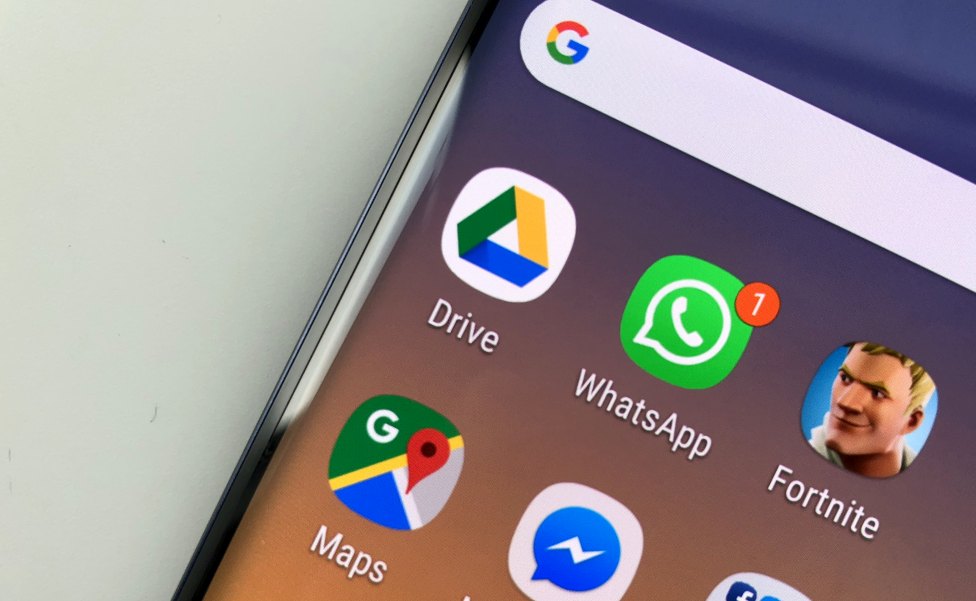
If you’re using WhatsApp on Android, you can back up your conversations and other media files directly to Google Drive. At the moment, it takes up space on the cloud and this can be a problem if your WhatsApp backup is huge and you don’t have much space remaining. All of that is going to change in three months as Google and WhatsApp are getting a better backup solution very soon.

According to WhatsApp, backups will no longer count towards your Google Drive storage quota starting from 12 November 2018. That means you won’t have to worry about available free space and you can switch phones easily (Android to Android) without losing your existing chats. However, do note that backups that are not updated in more than a year will be automatically removed from Google Drive. To avoid any potential loss of data, it is recommended that you perform a manual WhatsApp backup before 12 November.

If you haven’t backup your WhatsApp to Drive before, you can do so under Menu > Settings > Chats > Chat backup. Just select the Google Drive account and you’re good to go. You can choose between daily, weekly and monthly backups and by default, it’s done automatically via WiFi at 2AM.

Unlike other instant messengers, WhatsApp does not back up your chat history to their servers and you have to use a 3rd party cloud storage provider. On Android, it uses Google Drive and on iOS devices, your WhatsApp history is backed up to iCloud. Unfortunately, this means that you can’t back up or restore your chat history across different platforms such as Android to iOS, and vice versa.


[ SOURCE, VIA ]

Tags: Backup WhatsApp historyGoogle DriveGoogle OneUnlimited QuotaWhatsappWhatsApp Android BackupWhatsApp BackupWhatsApp Google Drive Backup
Alexander Wong

Alexander Wong

POPULAR

SoyaCincau Awards 2025: Best Telcos of the Year

January 2, 2026

You can backup WhatsApp on Google Drive without using any quota very soon

August 17, 2018

SoyaCincau Awards 2025: The Best Tablets of the Year

January 5, 2026
Image by Gerd Altmann from Pixabay.

AEON Bank’s Personal Financing-i (PF-i): Flexible Funds to Help Ease Budget Constraints

December 24, 2025

SoyaCincau Awards 2025: The Best Phones of the Year

December 31, 2025

SARA: All Malaysian adults to receive RM100 credit from 9 February

January 5, 2026

Copyright © 2025 · SoyaCincau.com
Mind Blow Sdn Bhd (1076827-P)

  • ADVERTISE
  • DISCLAIMER

Copyright © 2026 · SoyaCincau.com – Mind Blow Sdn Bhd (1076827-P)

  • ADVERTISE
  • DISCLAIMER