• 中文版
  • BM
  • News
  • Deals
  • Reviews
    • First Impressions
    • Hands-on
    • Comparisons
  • Tech
    • Mobile
    • Computers
    • Cameras
    • Wearables
    • Audio
    • Drones
  • Telco
    • Celcom
    • Digi
    • Maxis
    • Time
    • Tune Talk
    • U Mobile
    • Unifi
    • Yes
  • Cars
  • Contribute
  • Jobs
Menu
  • 中文版
  • BM
  • News
  • Deals
  • Reviews
    • First Impressions
    • Hands-on
    • Comparisons
  • Tech
    • Mobile
    • Computers
    • Cameras
    • Wearables
    • Audio
    • Drones
  • Telco
    • Celcom
    • Digi
    • Maxis
    • Time
    • Tune Talk
    • U Mobile
    • Unifi
    • Yes
  • Cars
  • Contribute
  • Jobs
Search
  • Tech
    • News
    • Mobile
    • Computers
    • Cameras
    • Wearables
    • Audio
    • Drones
  • Telco
    • Celcom
    • Digi
    • Maxis
    • Time
    • U Mobile
    • Unifi
    • Yes
  • Reviews
    • First Impressions
    • Hands-on
    • Comparisons
  • Buyer’s Guide
  • Opinions
  • Digital Life
  • Video
  • Deals
  • How-To
  • Cars
  • Bahasa Melayu
  • EV
  • Contribute
  • Advertise
Menu
  • Tech
    • News
    • Mobile
    • Computers
    • Cameras
    • Wearables
    • Audio
    • Drones
  • Telco
    • Celcom
    • Digi
    • Maxis
    • Time
    • U Mobile
    • Unifi
    • Yes
  • Reviews
    • First Impressions
    • Hands-on
    • Comparisons
  • Buyer’s Guide
  • Opinions
  • Digital Life
  • Video
  • Deals
  • How-To
  • Cars
  • Bahasa Melayu
  • EV
  • Contribute
  • Advertise
Search
Close
Home Digital Life

You can now change your “car” on Google Maps

  • BY Alexander Wong
  • 22 May 2018
  • 10:08 am
  • Comment
Share on FacebookShare on Twitter

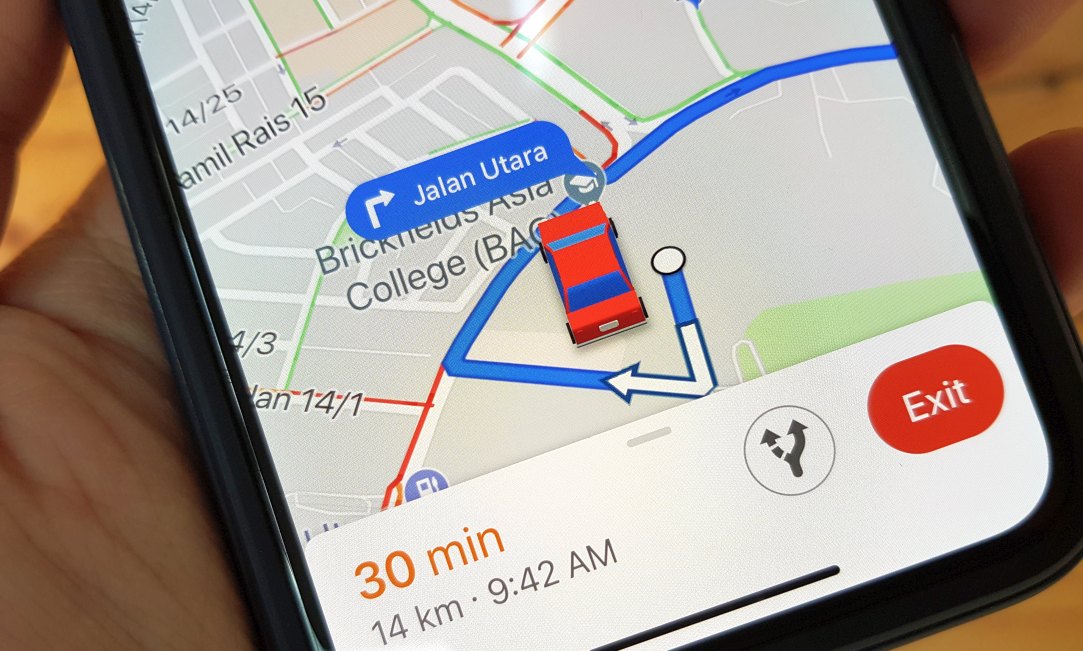
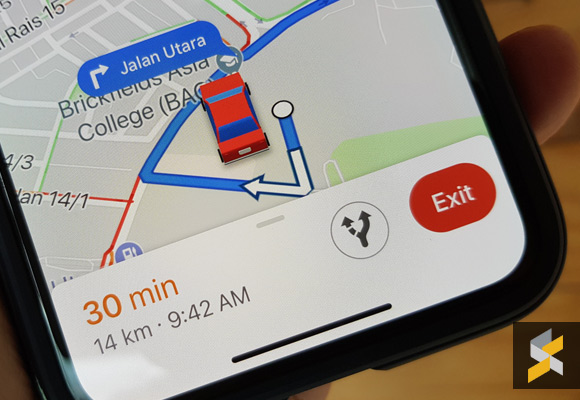
Google Maps change navigation icon

Google Maps has added a new nifty feature which might make your drive just a little bit interesting. Since Waze was acquired by Google, it isn’t surprising that some of its features will find their way into Google Maps.

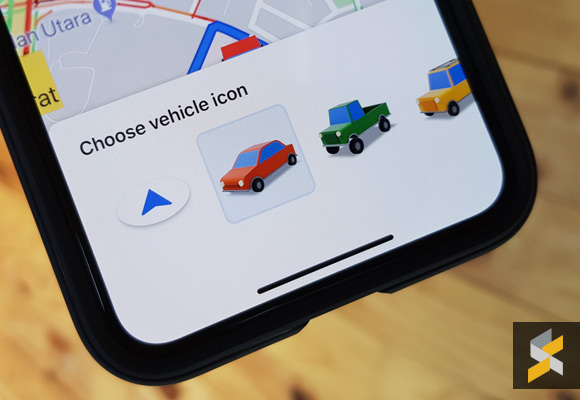
Finally, you can swap the boring blue arrow during navigation for a red car, a green truck or a yellow SUV. Just tap on the blue arrow and you can view your options. Unfortunately, this feature is currently only available for iOS users and hopefully it might be introduced on Android soon.
[ SOURCE, VIA ]

Tags: googleGoogle Mapsgoogle maps navigationGoogle maps navigation iconGoogle Maps Vehicle iconiOSiPhone
Alexander Wong

Alexander Wong

POPULAR

JPJePlate: Is the Malaysian flag printed wrongly on EV plates?

December 12, 2025

Perodua QV-E Controversy: What were they thinking? | Let’s Talk About #134

December 8, 2025

You can now change your “car” on Google Maps

May 22, 2018
Perodua Axia Elektrik by SCS

ICE-to-EV conversion in Malaysia: JPJ issues guidelines, looks complicated and expensive

December 9, 2025

Malaysia EV registrations tripled in November 2025, Tesla Model Y takes #1 spot

December 11, 2025

GrabRewards is now GrabCoins: Now with even more ways to earn and save

November 17, 2025

Copyright © 2025 · SoyaCincau.com
Mind Blow Sdn Bhd (1076827-P)

  • ADVERTISE
  • DISCLAIMER

Copyright © 2025 · SoyaCincau.com – Mind Blow Sdn Bhd (1076827-P)

  • ADVERTISE
  • DISCLAIMER