• 中文版
  • BM
  • News
  • Deals
  • Reviews
    • First Impressions
    • Hands-on
    • Comparisons
  • Tech
    • Mobile
    • Computers
    • Cameras
    • Wearables
    • Audio
    • Drones
  • Telco
    • Celcom
    • Digi
    • Maxis
    • Time
    • Tune Talk
    • U Mobile
    • Unifi
    • Yes
  • Cars
  • Contribute
  • Jobs
Menu
  • 中文版
  • BM
  • News
  • Deals
  • Reviews
    • First Impressions
    • Hands-on
    • Comparisons
  • Tech
    • Mobile
    • Computers
    • Cameras
    • Wearables
    • Audio
    • Drones
  • Telco
    • Celcom
    • Digi
    • Maxis
    • Time
    • Tune Talk
    • U Mobile
    • Unifi
    • Yes
  • Cars
  • Contribute
  • Jobs
Search
  • Tech
    • News
    • Mobile
    • Computers
    • Cameras
    • Wearables
    • Audio
    • Drones
  • Telco
    • Celcom
    • Digi
    • Maxis
    • Time
    • U Mobile
    • Unifi
    • Yes
  • Reviews
    • First Impressions
    • Hands-on
    • Comparisons
  • Buyer’s Guide
  • Opinions
  • Digital Life
  • Video
  • Deals
  • How-To
  • Cars
  • Bahasa Melayu
  • EV
  • Contribute
  • Advertise
Menu
  • Tech
    • News
    • Mobile
    • Computers
    • Cameras
    • Wearables
    • Audio
    • Drones
  • Telco
    • Celcom
    • Digi
    • Maxis
    • Time
    • U Mobile
    • Unifi
    • Yes
  • Reviews
    • First Impressions
    • Hands-on
    • Comparisons
  • Buyer’s Guide
  • Opinions
  • Digital Life
  • Video
  • Deals
  • How-To
  • Cars
  • Bahasa Melayu
  • EV
  • Contribute
  • Advertise
Search
Close
Home News

Apple brings back 3D Touch Multitasking with iOS 11.1

  • BY Alexander Wong
  • 1 November 2017
  • 2:20 pm
  • Comment
Share on FacebookShare on Twitter

iOS 11.1

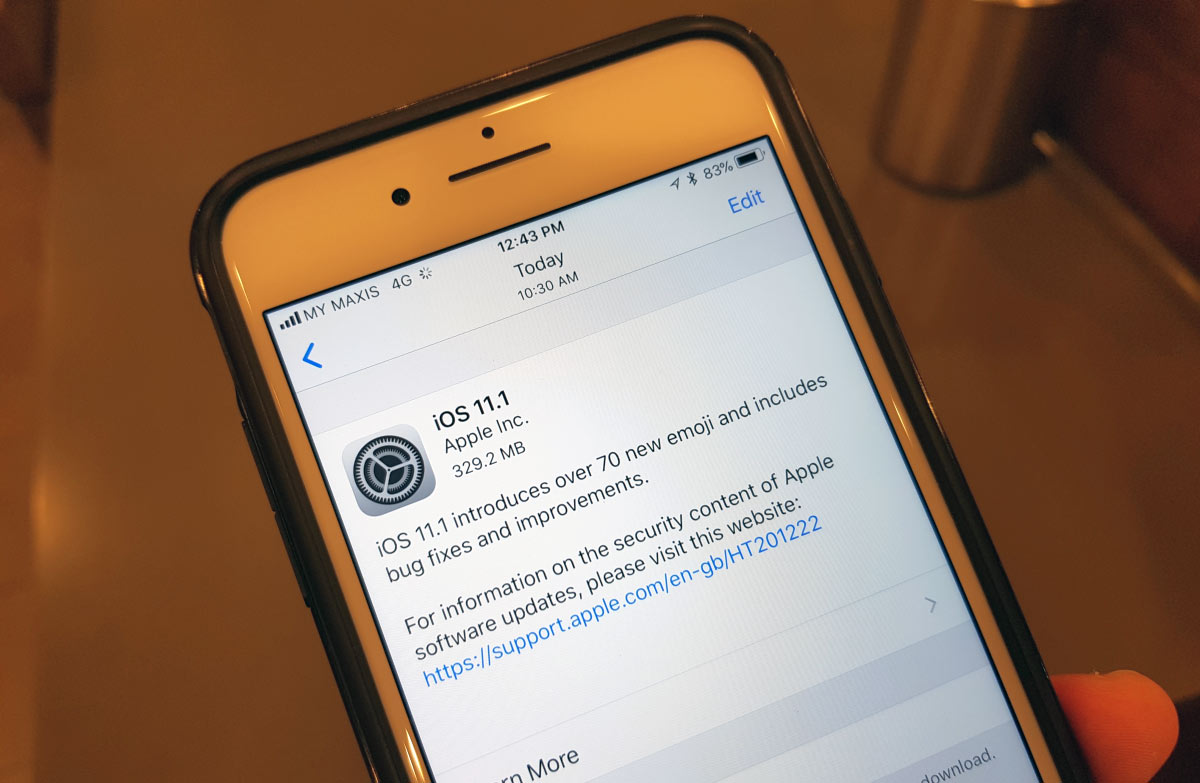
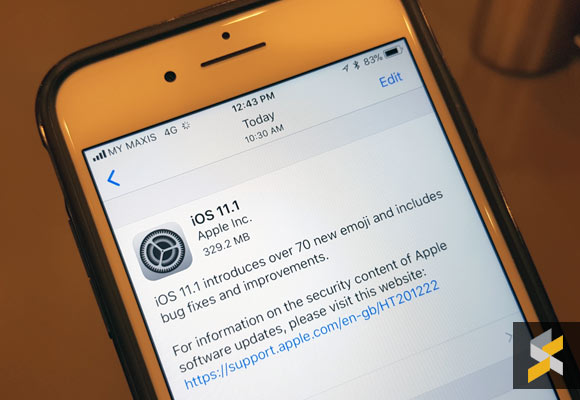
Apple has just rolled out a major software update for iOS 11. After releasing incremental fixes on iOS 11.0.1, 11.0.2 and 11.0.3, they have just released iOS 11.1 which is now available for supported iPhone and iPad models. If you’re using an iPhone 6s and above, the latest update brings back an old nifty feature for multi-tasking.
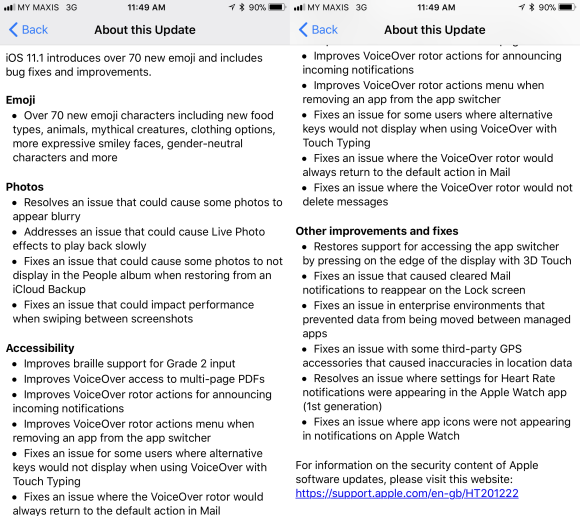
Apart from the usual security and bug fixes, the iOS 11.1 introduces over 70 new emoji characters for you to play with. This includes new food types, animals, mythical creatures, clothing options and more expressive smiley faces.

For those who switch between apps a lot, you’ll be happy to know that 3D Touch multi-tasking has finally returned. This was first introduced on the iPhone 6s but it was removed in early releases of iOS 11 due to a technical constraint. So instead of double pressing the home button, you can hard swipe from the left edge of the screen to switch between apps.

Other fixes on iOS 11.1 include blurry photo issues in the Photo app and slow playback of Live Photos. It also fixes a performance issue when swiping between screenshots.

To update your iOS device, just go to Settings > General > Software Update.

Tags: AppleEmojiEmojisiOSiOS 11iOS 11 UpdateiOS 11.1iOS 11.1 UpdateiPadiPhonemulti-taskingNews
Alexander Wong

Alexander Wong

POPULAR

SoyaCincau Awards 2025: The Best Tablets of the Year

January 5, 2026

Apple brings back 3D Touch Multitasking with iOS 11.1

November 1, 2017

HUAWEI MatePad 12 X 2026: The Best Productivity Tablet with PC-Level WPS and the All-New HUAWEI M-Pencil Pro

January 6, 2026

SARA: All Malaysian adults to receive RM100 credit from 9 February

January 5, 2026

SoyaCincau Awards 2025: Best Telcos of the Year

January 2, 2026
Maybank Google Pay - May 2024

Maybank on Google Pay: No PIN required for transactions above RM250, transactions limited to RM2,500

January 5, 2026

Copyright © 2025 · SoyaCincau.com
Mind Blow Sdn Bhd (1076827-P)

  • ADVERTISE
  • DISCLAIMER

Copyright © 2026 · SoyaCincau.com – Mind Blow Sdn Bhd (1076827-P)

  • ADVERTISE
  • DISCLAIMER