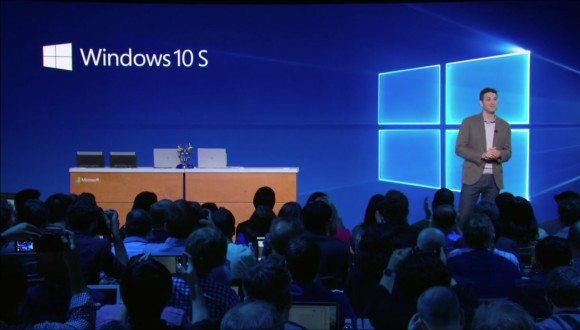
Besides the launch of some stunning new hardware, perhaps the most important thing about Microsoft‘s event was the launch of Windows 10 S. However, its similarities with a previous attempt of a similar vein — which failed spectacularly, by the way — does raise some worrying questions.
Has Microsoft learned from past mistakes?
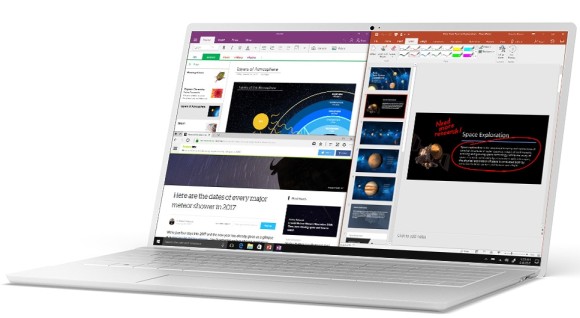
According to Microsoft, Windows 10 S is a stripped down, cleaner, and lighter version of Windows 10. It leverages the cloud and utilises apps from the Windows Store to let you do what you need to do. You can think of it as a Windows version to Google’s Chrome OS…or if you prefer, an updated Windows RT.
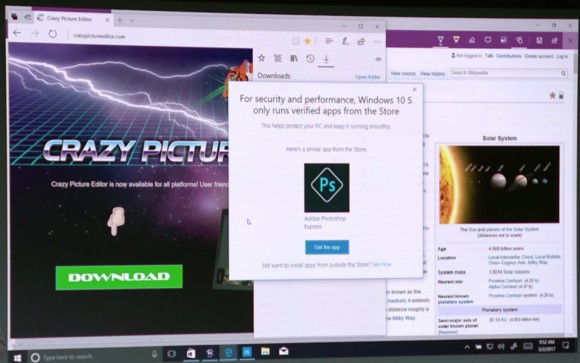
As a result, users can only install programs on this device that comes from the Windows Store. This, Microsoft says, makes the operating system a lot more secure because everything has to be verified by the Windows Store. That’s not to say desktop apps won’t work on this, developers just have to be specifically packaged and listed in the Windows Store first.
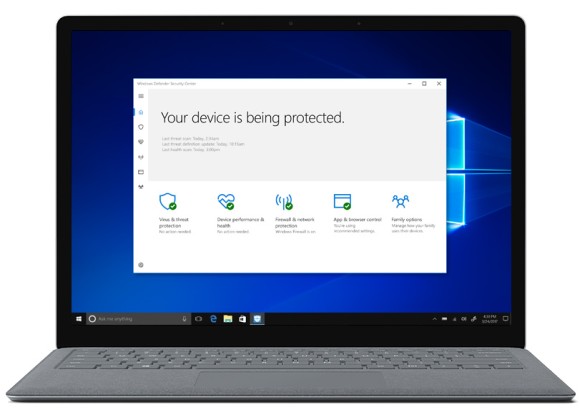
Microsoft talks a great deal about streamlining the Windows operating system with Windows 10 S. They’ve even gone as far to say that devices running Windows 10 S will feel as smooth and perform as well on day one as they would on day one thousand. Now that’s music to any Windows user’s ears.
Windows 10 S is also designed to run well on low-powered devices, making it ideal for school use. In fact, Microsoft is really pushing Windows 10 S for the school crowd by improving first boot and setup time to just 15 seconds, while including the ability to set up machines using a USB drive with preconfigured options.
Right now, the only Windows 10 S device is the high-end, and absolutely gorgeous, Surface Laptop but that has prices starting at a whopping USD999 (around RM4,323). However, Microsoft has also said that they are working with a wide range of PC partners to create affordable Windows 10 S devices — devices that have price tags starting at USD189 (around RM817).
If that becomes a reality, and Windows 10 S is really as good as Microsoft says it is, then they could really shake up a segment of the market dominated by Google’s Chromebooks.
However, the usefulness of Windows 10 S will really depend on schools opting into the entire Windows ecosystem as well as developers who are willing to develop Windows Store versions of their apps to work well with the new OS. For now, that’s something only time can tell. We’re just hoping that Microsoft hasn’t streamlined it too much that it ends up being useless instead.
Right now, things are looking really good but in the end, it will really depend on Microsoft to push for this to work. And if it doesn’t, Microsoft does state on their website that Windows 10 S devices can be “easily and affordably” switched to Windows 10 Pro instead.
What do you guys think of Windows 10 S? Let me know in the comments below.